 NewbornPhotos
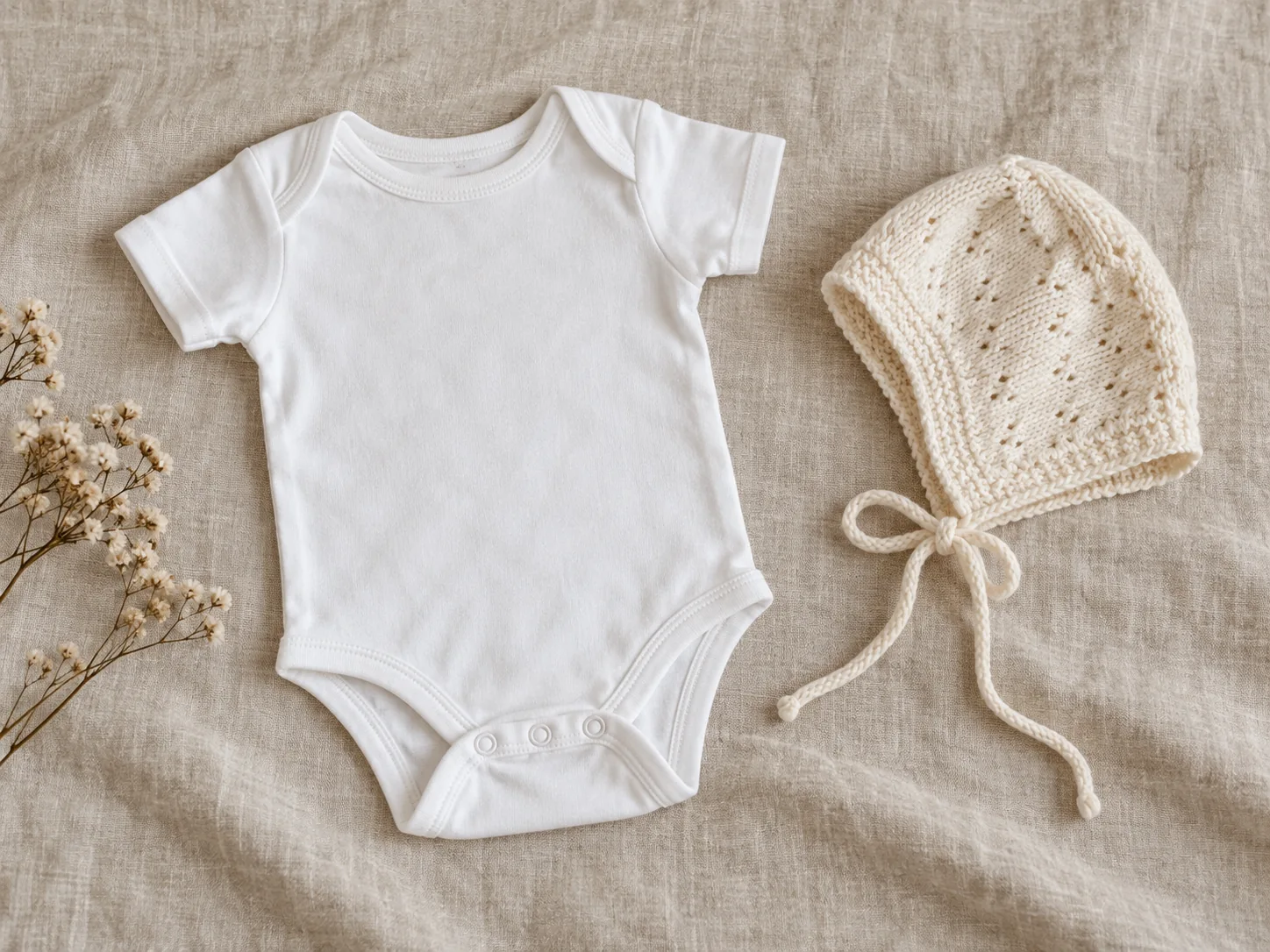
Quiet: ivory layers, generous space, little visual clutter.
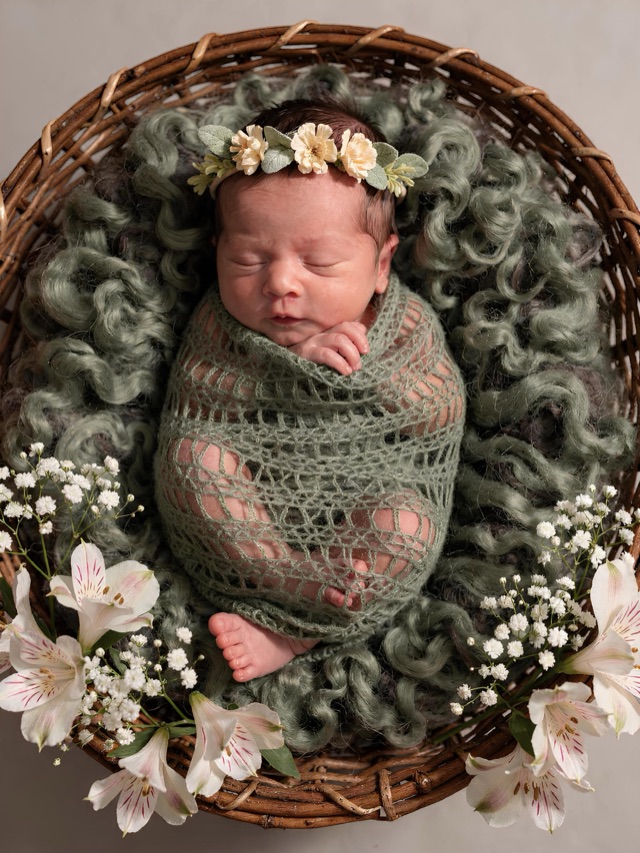
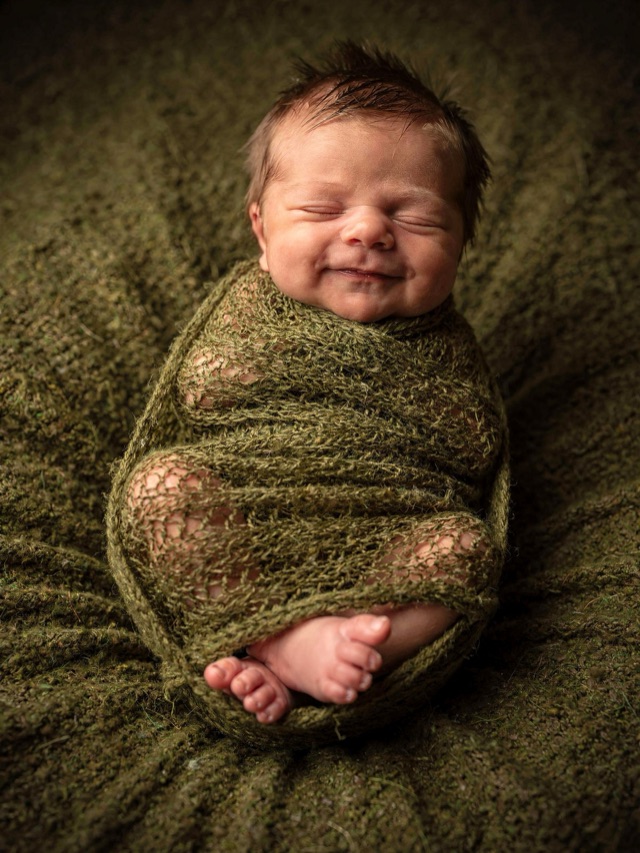
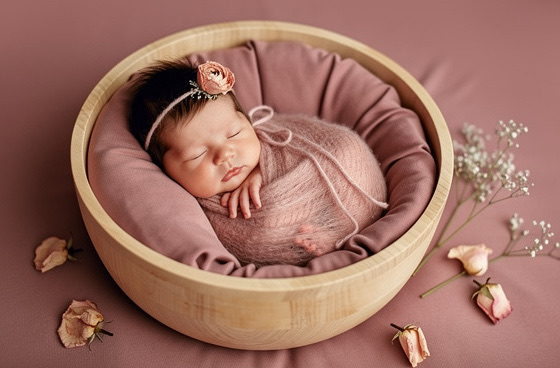
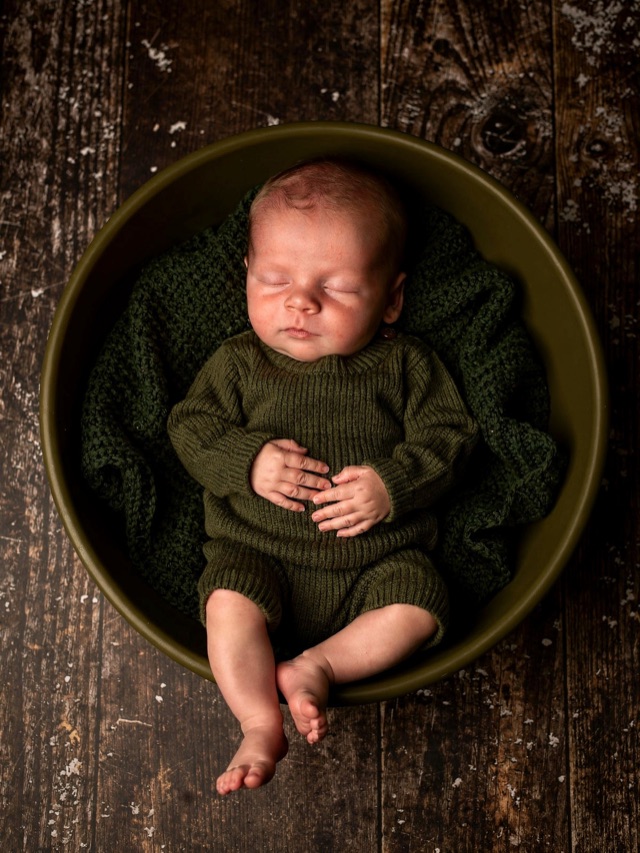
Natural: sage, wicker and a restrained floral accent.
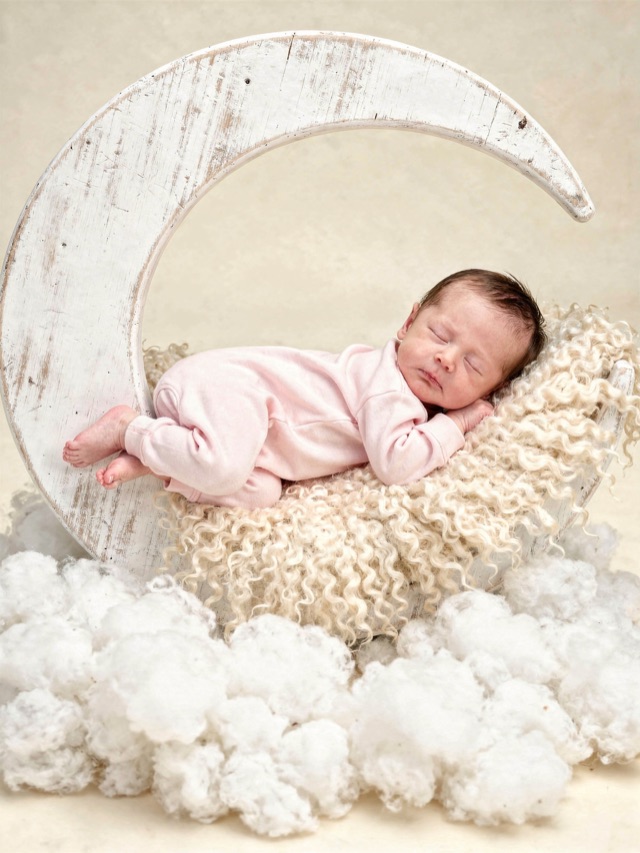
Storybook: one recognizable object, such as a moon or teddy.
A small change in color, texture or framing can give a newborn portrait a very different feeling. Start with the mood you want to remember: a quiet everyday moment, a little garden, or a storybook scene.
Explore the collectionSimple newborn photoshoot ideas leave room for the face. Botanical settings add a sense of place, while a moon or teddy gives the picture a story. Choose one direction before adding more details.
Quiet: ivory layers, generous space, little visual clutter.
Natural: sage, wicker and a restrained floral accent.
Storybook: one recognizable object, such as a moon or teddy.
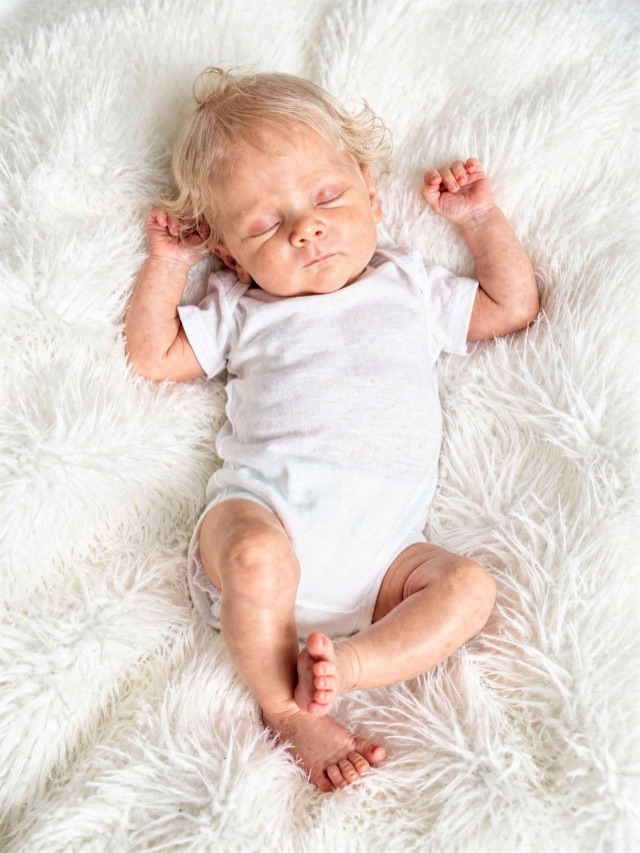
A pale outfit on white fleece feels airy; terracotta against tan feels warmer. A flower basket fills the frame with detail, while a teddy on ivory leaves the baby visually central. These are style references, so use them to choose a direction rather than to predict an exact result.
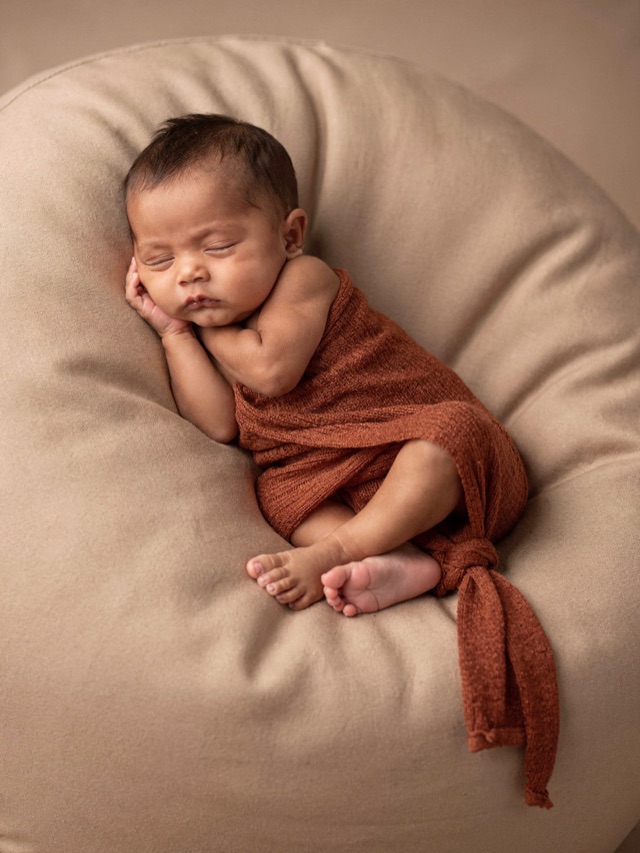
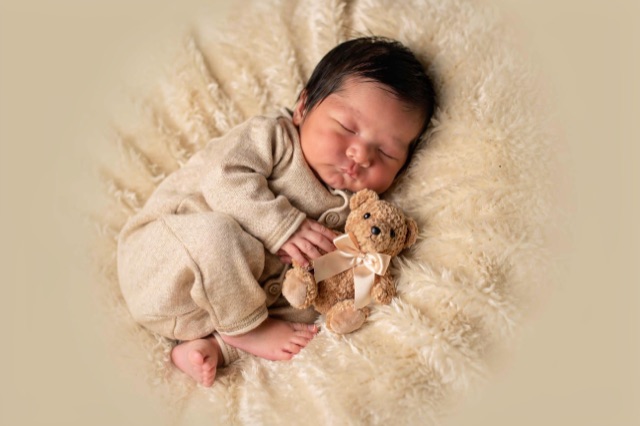
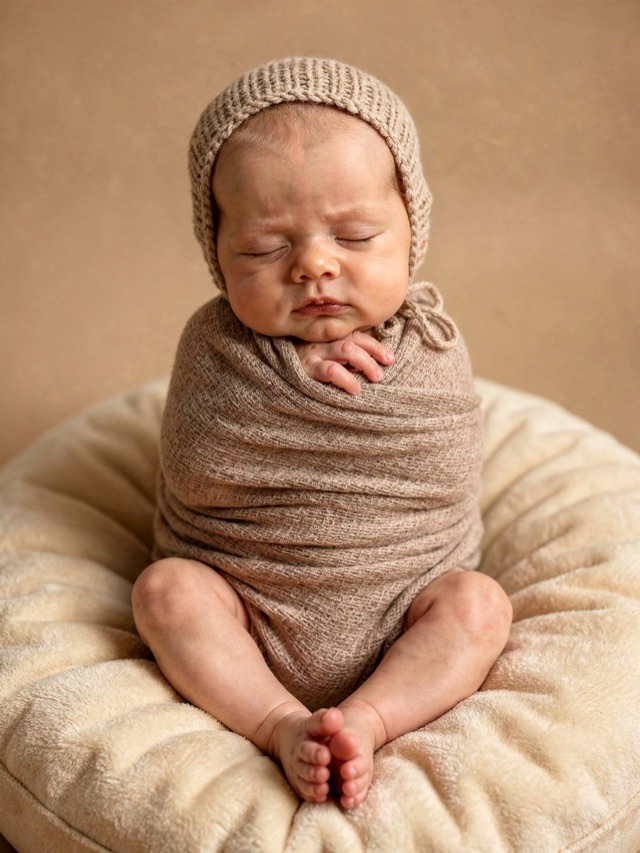
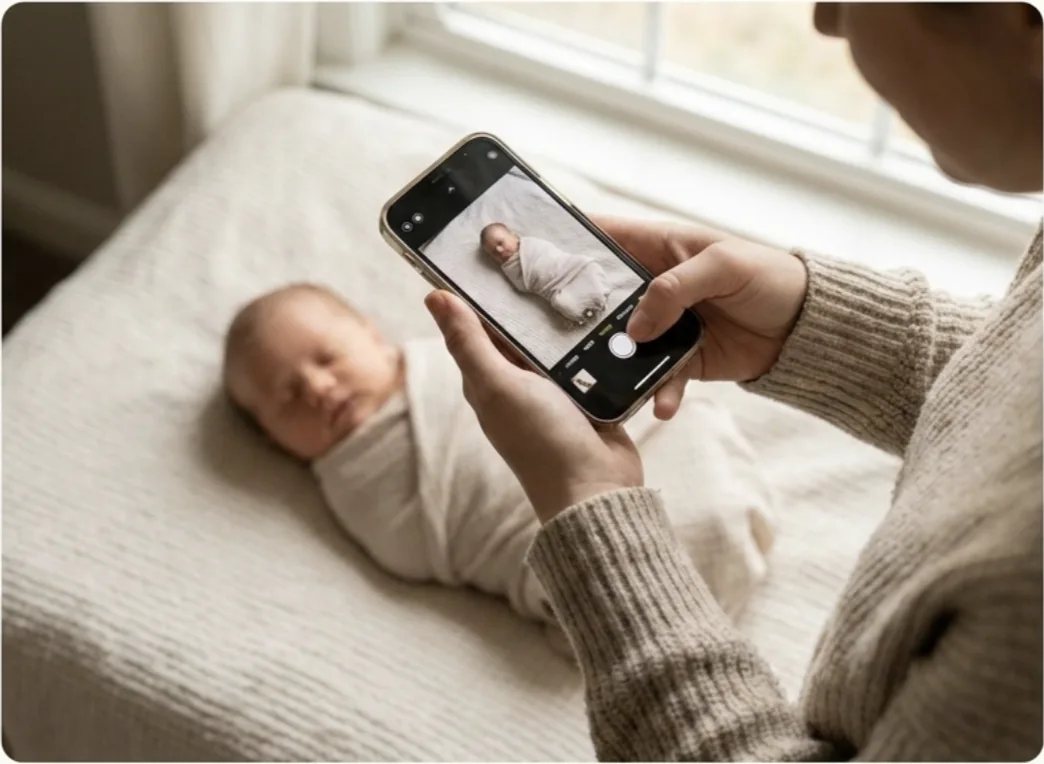
The reference sets the visual direction; your upload supplies the baby’s identity. Start with a single baby, a visible face and the original file.
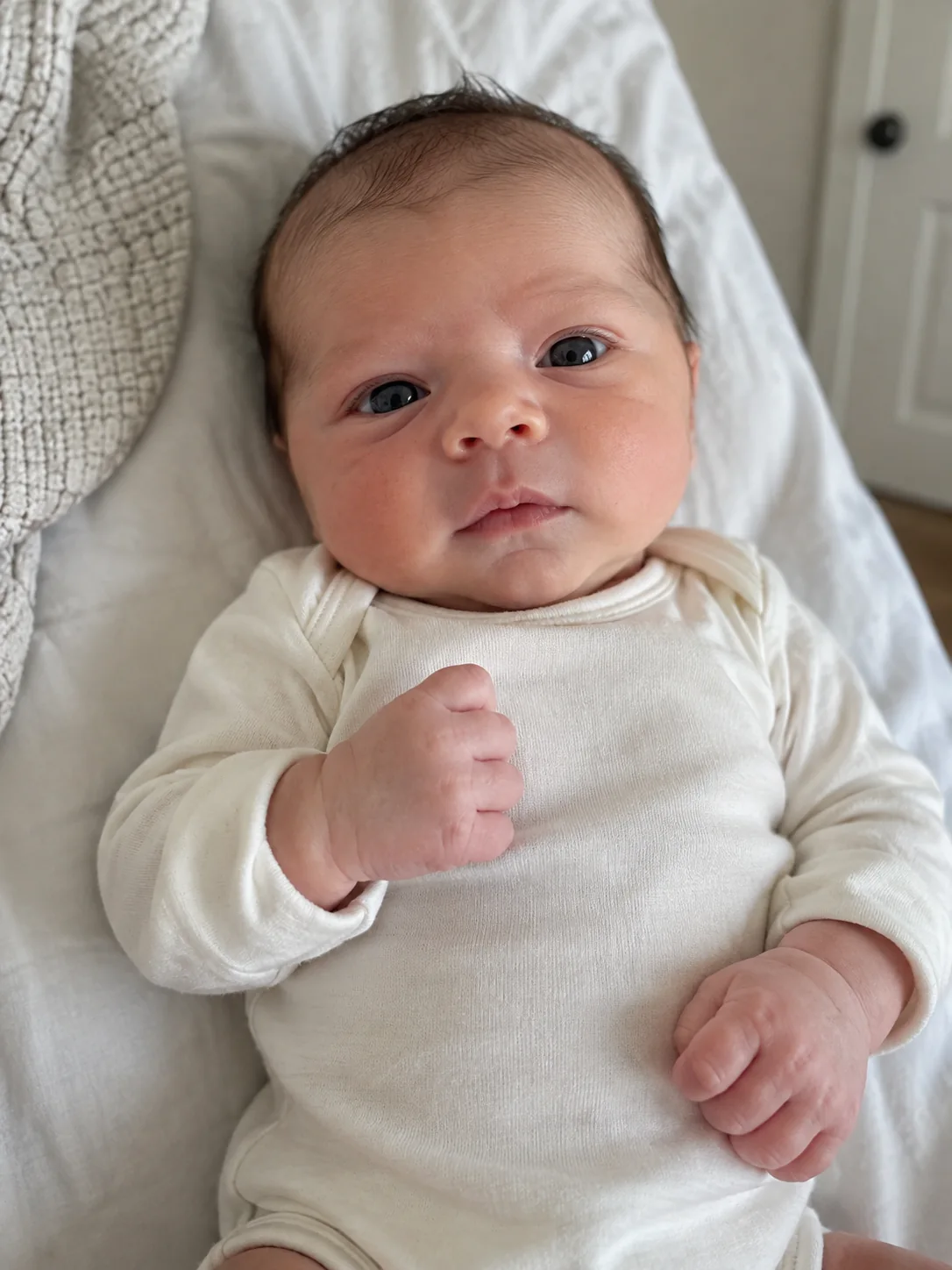
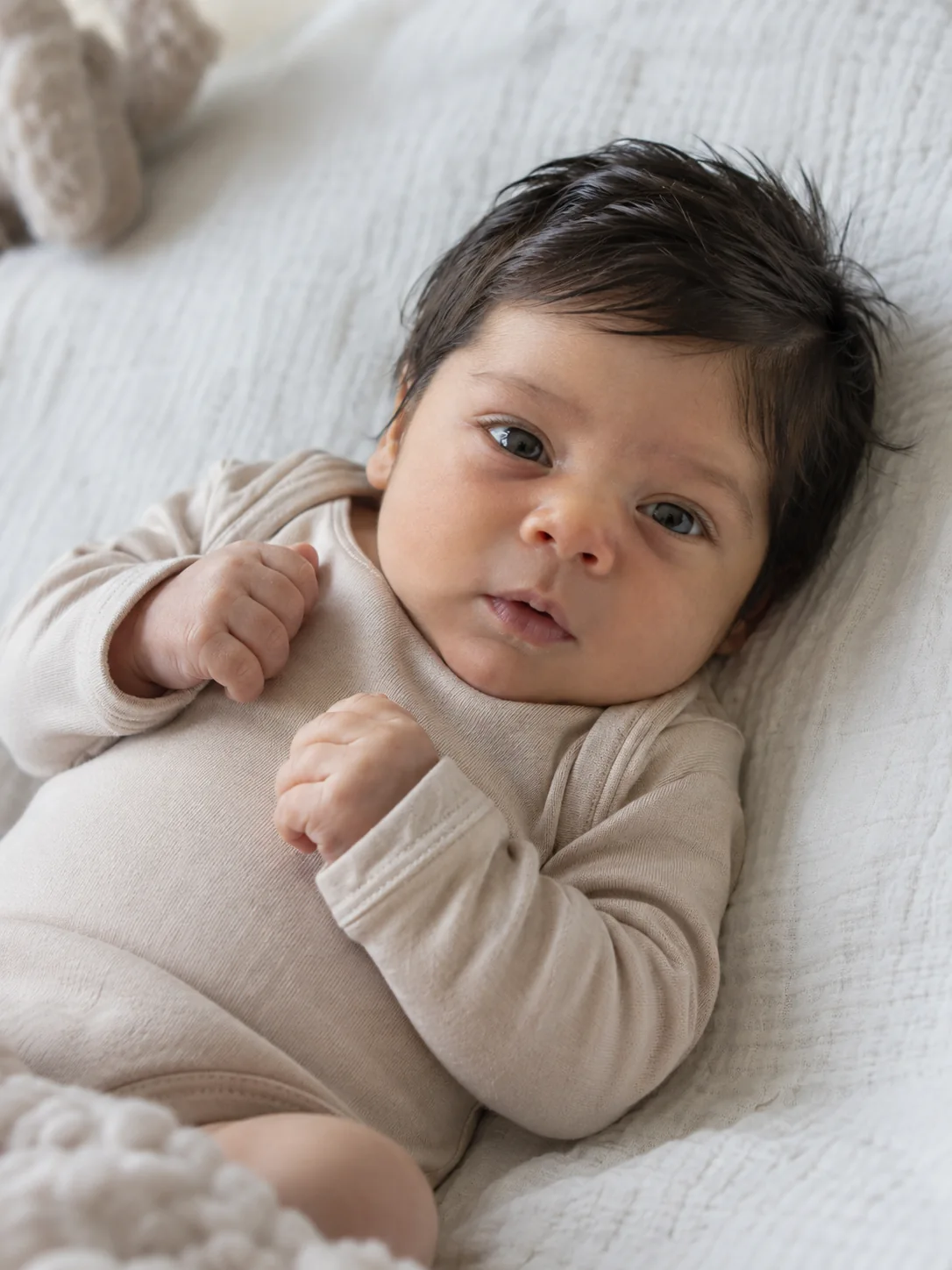
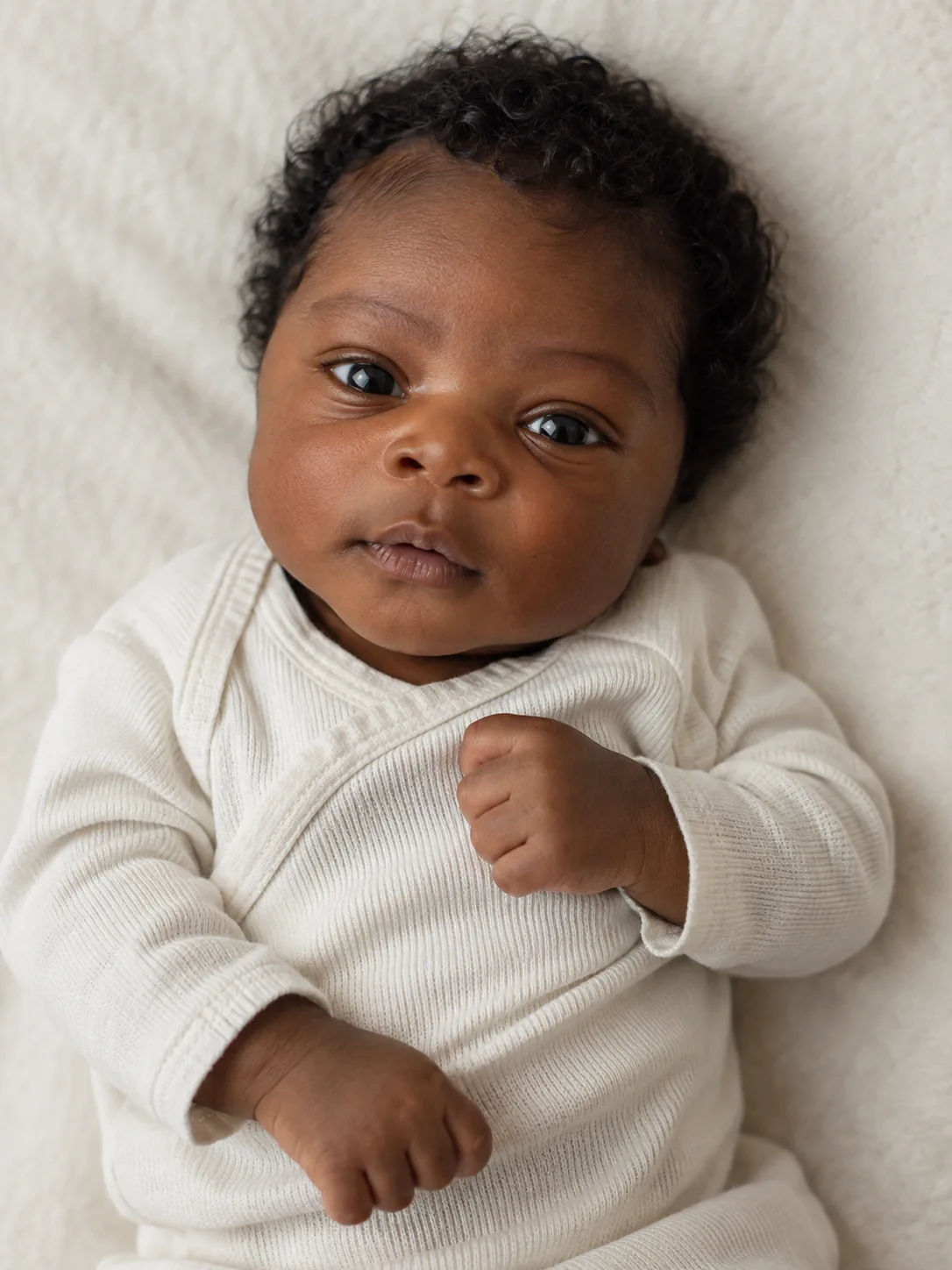
A useful AI newborn photoshoot prompt names the light, the background and the clothing. Keep it specific, leave the baby’s age unchanged, and remove details that compete with the face. You can edit this starting point in the generator.
Keep the baby’s identity, apparent age, expression and natural position from the uploaded photo. Create a softly lit portrait with an ivory background, simple cream clothing and subtle linen texture. Keep the face unobstructed and avoid adding extra people, text or props near the face.
Compare the full theme collection, study how a basket frames the portrait, or find a wrap color that works with your album. Each guide looks more closely at one decision.
Yes. You can reuse your source photo and choose another available style. Each generation is a separate result; identity and details can vary.
No. A clear face matters more than matching the reference outfit. Review the preview for unintended changes.
Start with the palette and amount of detail you like. Choose a simple fabric setting, a botanical scene or a storybook theme, then use the style link or scene description to try it with your photo.
Choose one clear baby photo, then review a new setting in the portrait tool.