 NewbornPhotos
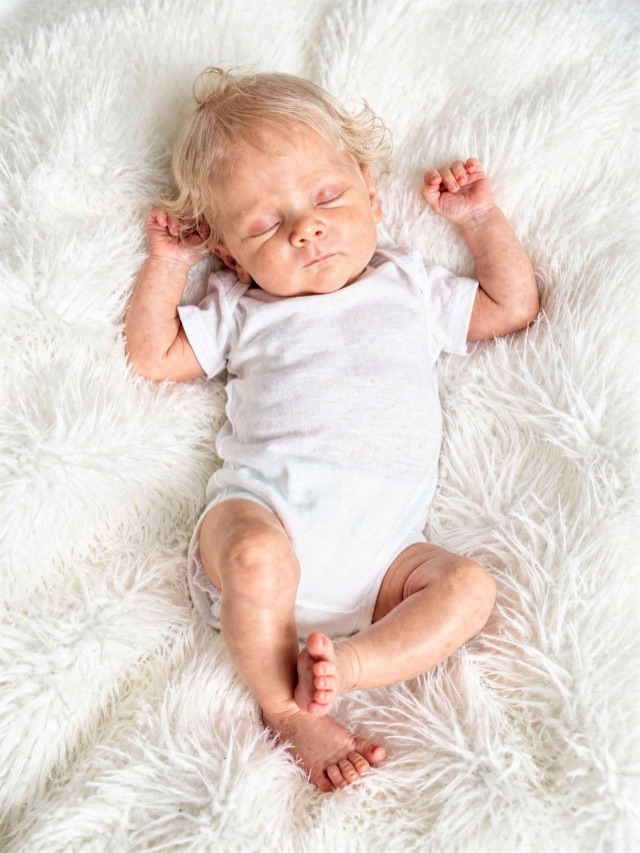
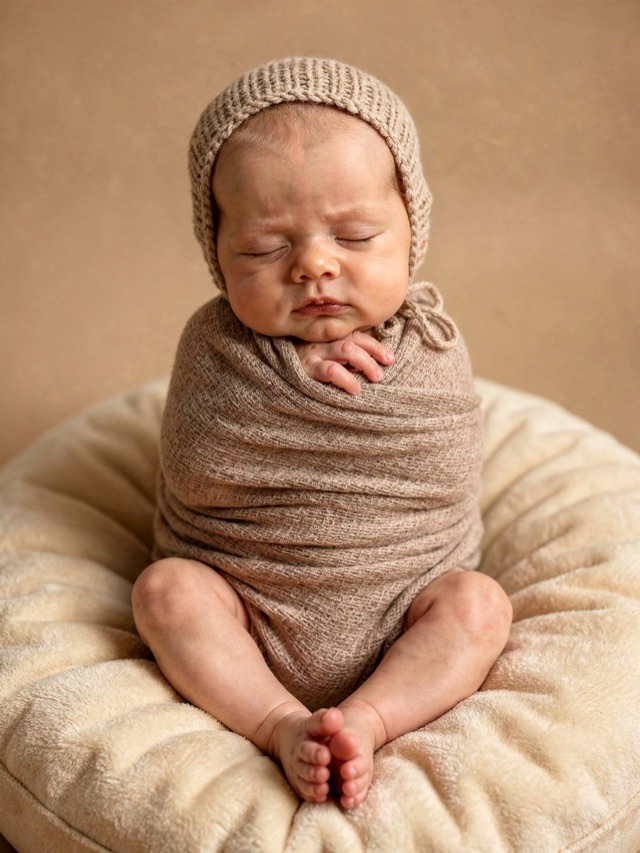
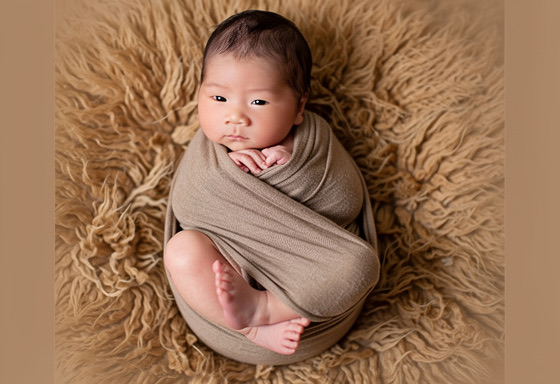
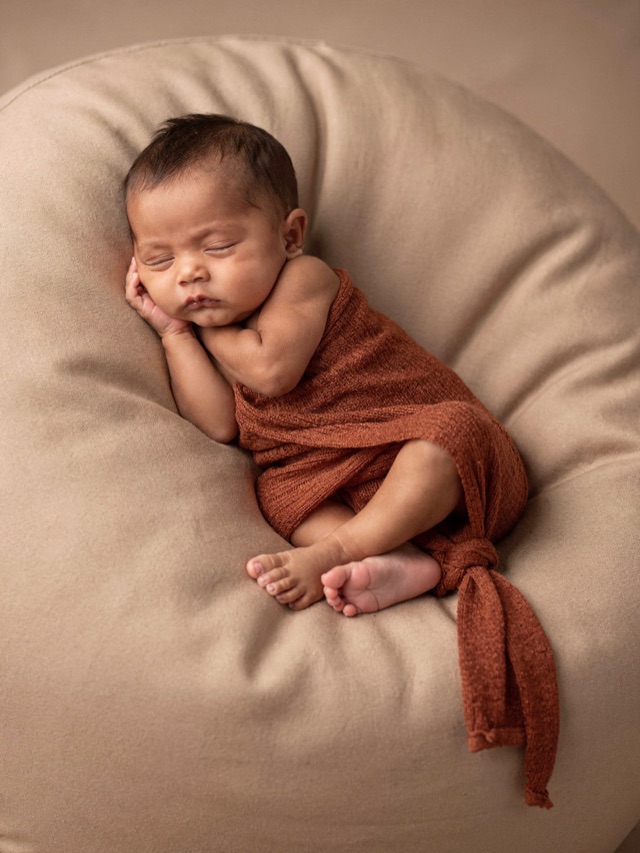
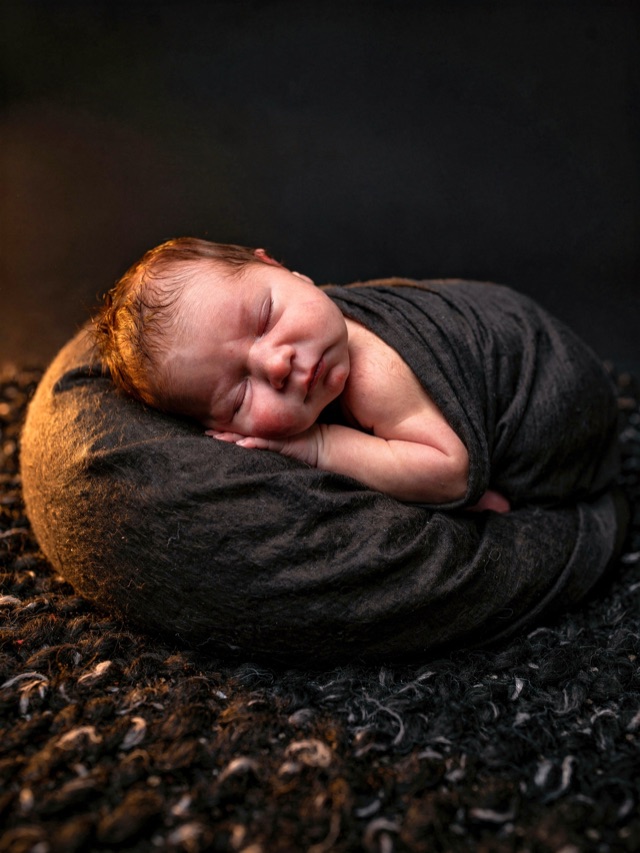
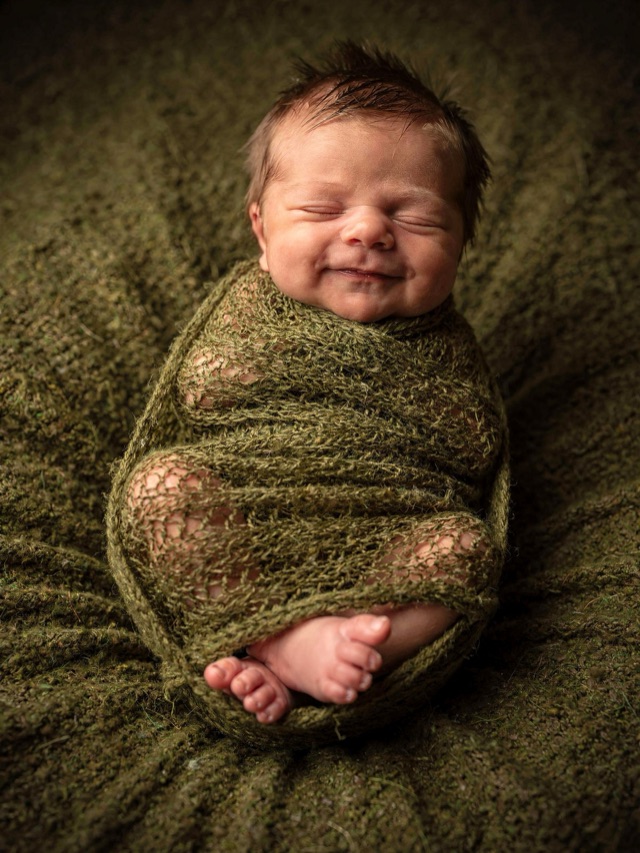
Choosing a newborn photoshoot theme starts with the mood you want to feel every time you walk past the framed print: airy minimalist studio, earthy botanical basket, cozy storybook, or festive seasonal keepsake. Browse our 12 ready-to-use AI studio styles below—each selectable with a single click—plus seasonal holiday collections, palette guidance, and album-planning tips so you can preview your favorite theme from one everyday baby photo for free.
Explore the collection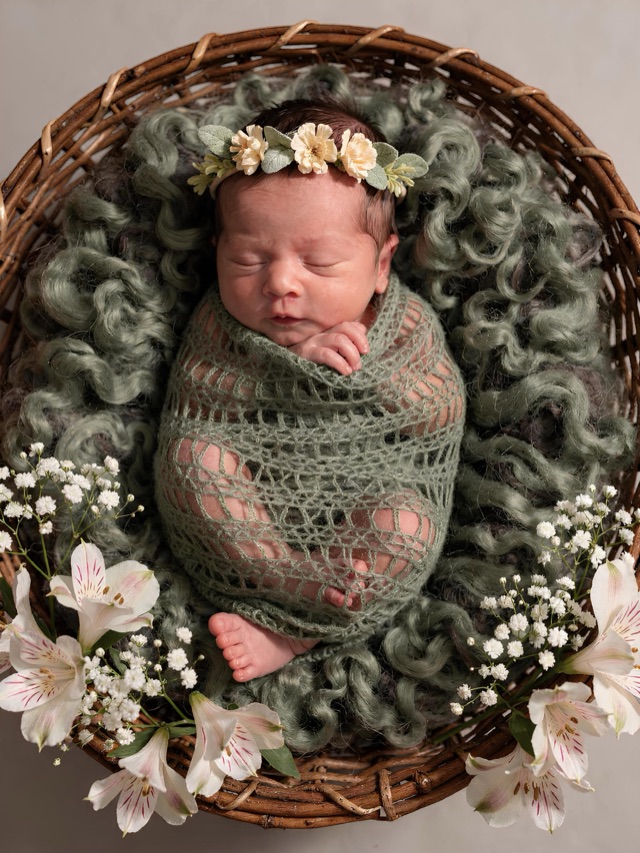
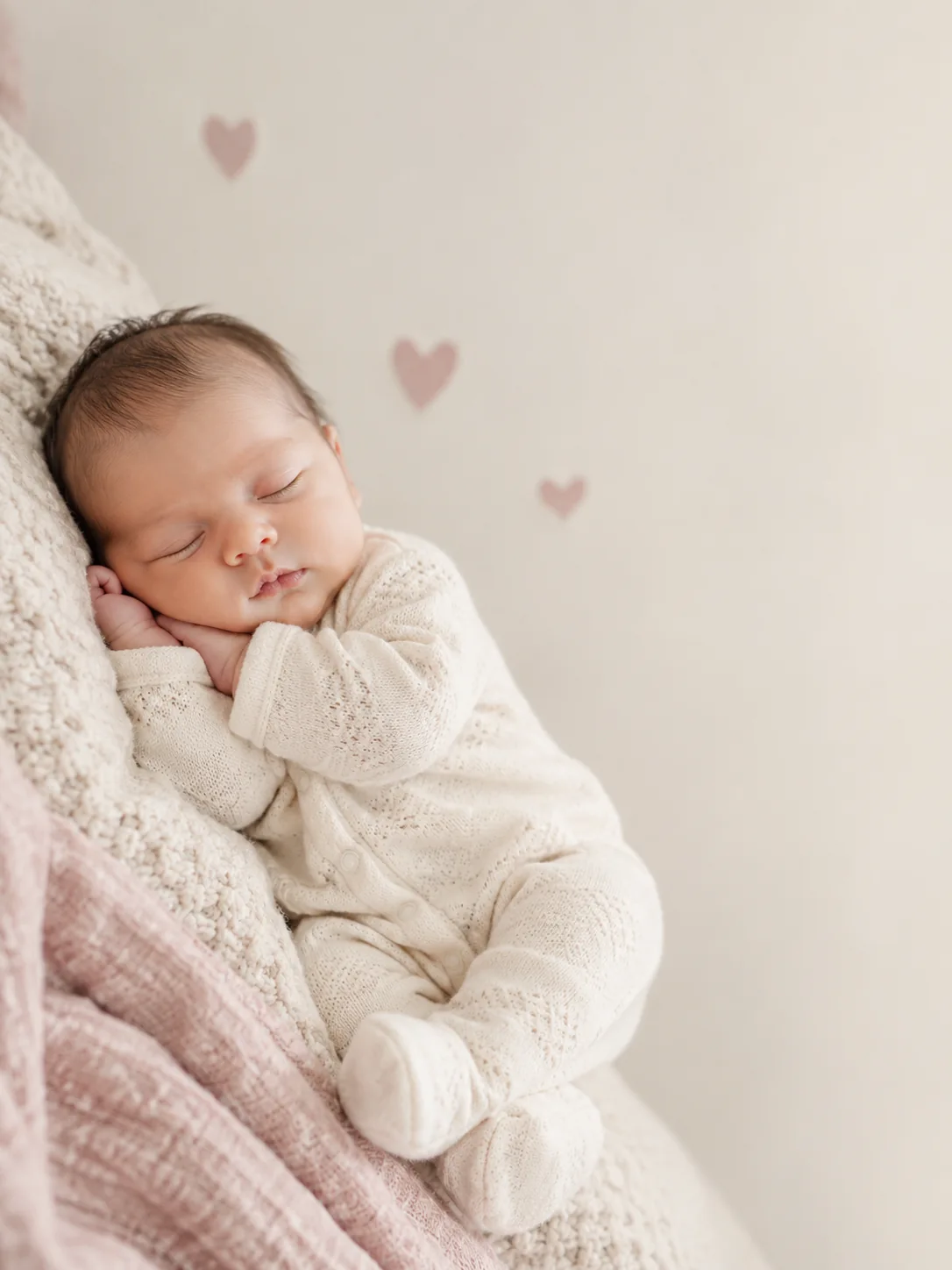
Minimal and neutral studio themes are the safest starting point for birth announcements because they flatter every newborn skin tone and never clash with home decor. White Fleece Portrait delivers high-key airy brightness with soft relaxed arms. Oatmeal Bonnet Wrap and Camel Fleece Curl bring warm knit textures that feel snug without distracting from tiny eyelashes and lips.
If you prefer deeper mood and sculpted studio lighting, Terracotta Side Rest adds earthy modern warmth while Charcoal Side Light creates dramatic gallery contrast around the face. Before picking a theme, consider where the final portrait will live: bright nursery walls pair effortlessly with white and oatmeal, while rich wood frames look striking with camel, terracotta, or charcoal.
Botanical and storybook themes add a gentle sense of place while keeping your baby’s face unmistakably the hero. Sage Flower Basket, Olive Bowl Studio, Rosewood Bowl, and Golden Sunflower Crate combine organic wicker, weathered wood, and restrained floral petals—giving you the aesthetic of a $600 boutique studio session from one everyday phone photo.
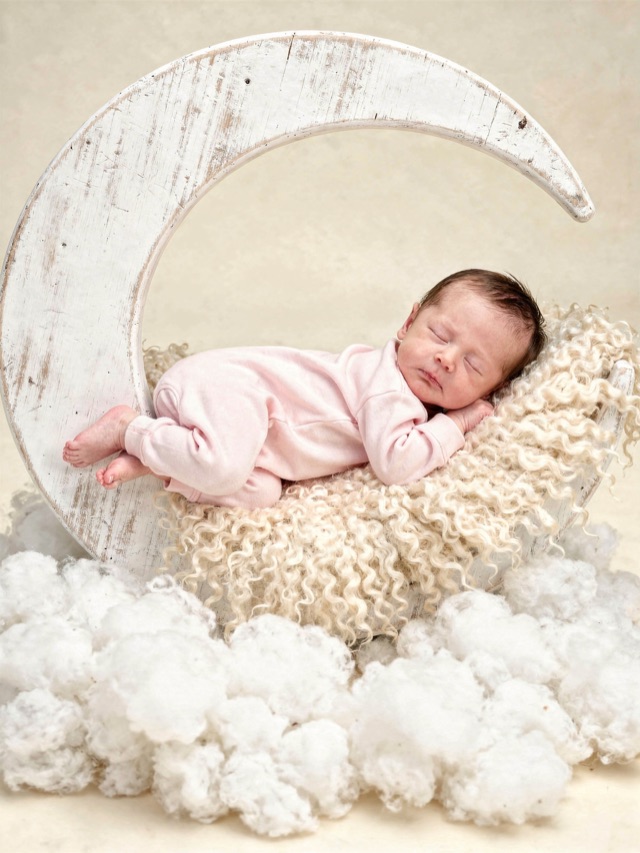
For parents who love a touch of whimsy without cartoon clutter, Teddy on Ivory pairs a classic plush companion with warm cream fur, and Crescent Cloud Portrait frames your baby against a soft white moon arch and cloud layers. Every one of these 12 studio styles connects directly to our portrait generator so you can inspect a free watermarked preview before paying.
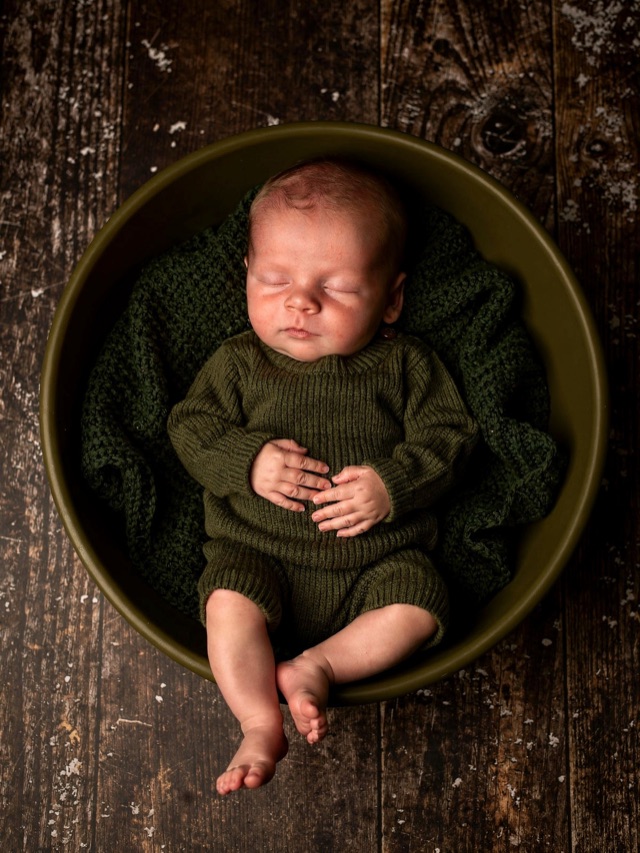
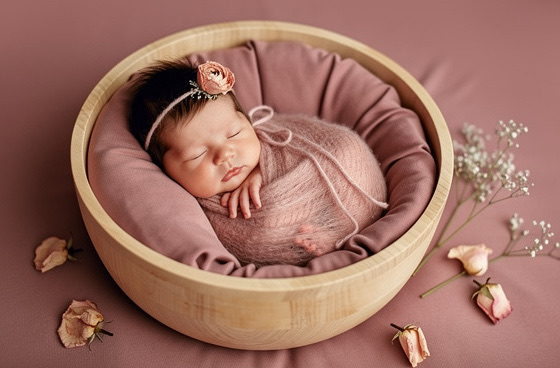
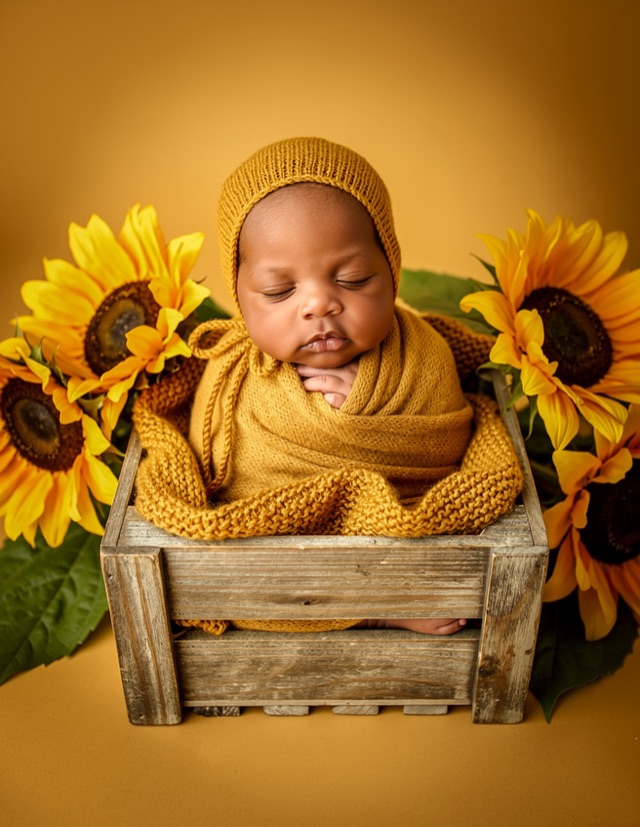
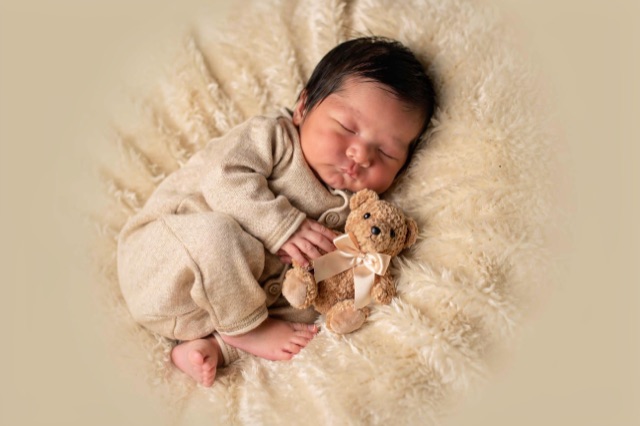
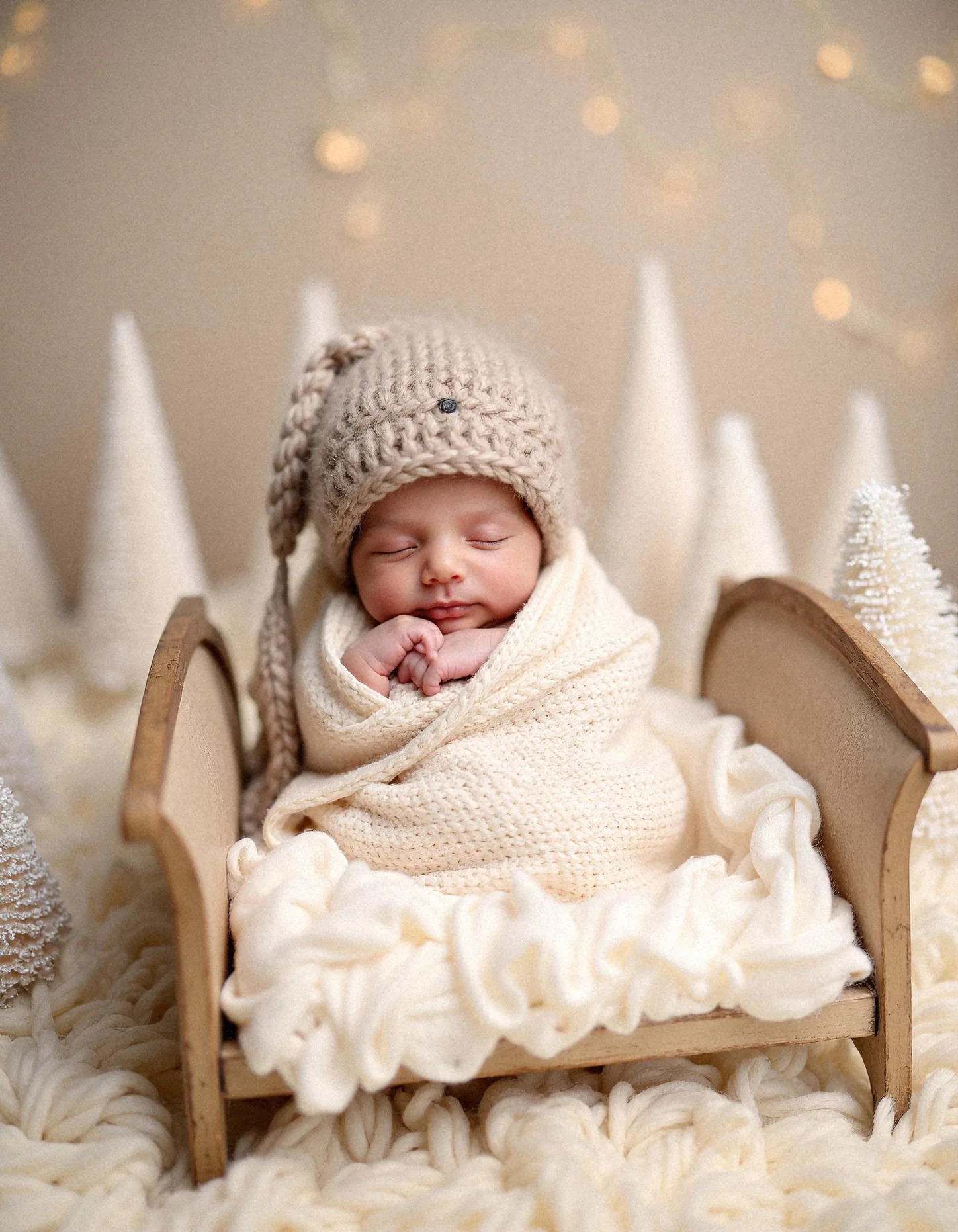
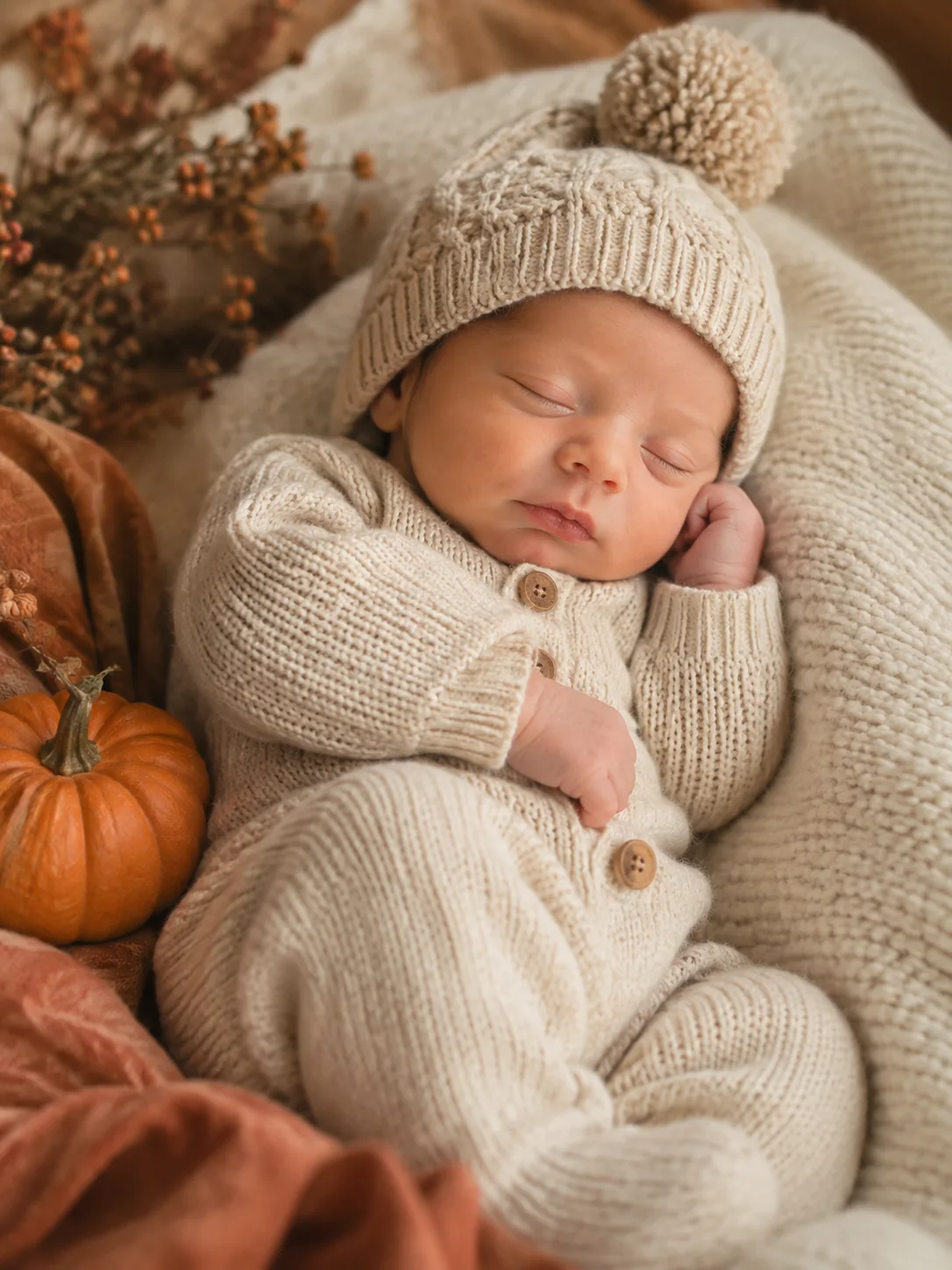
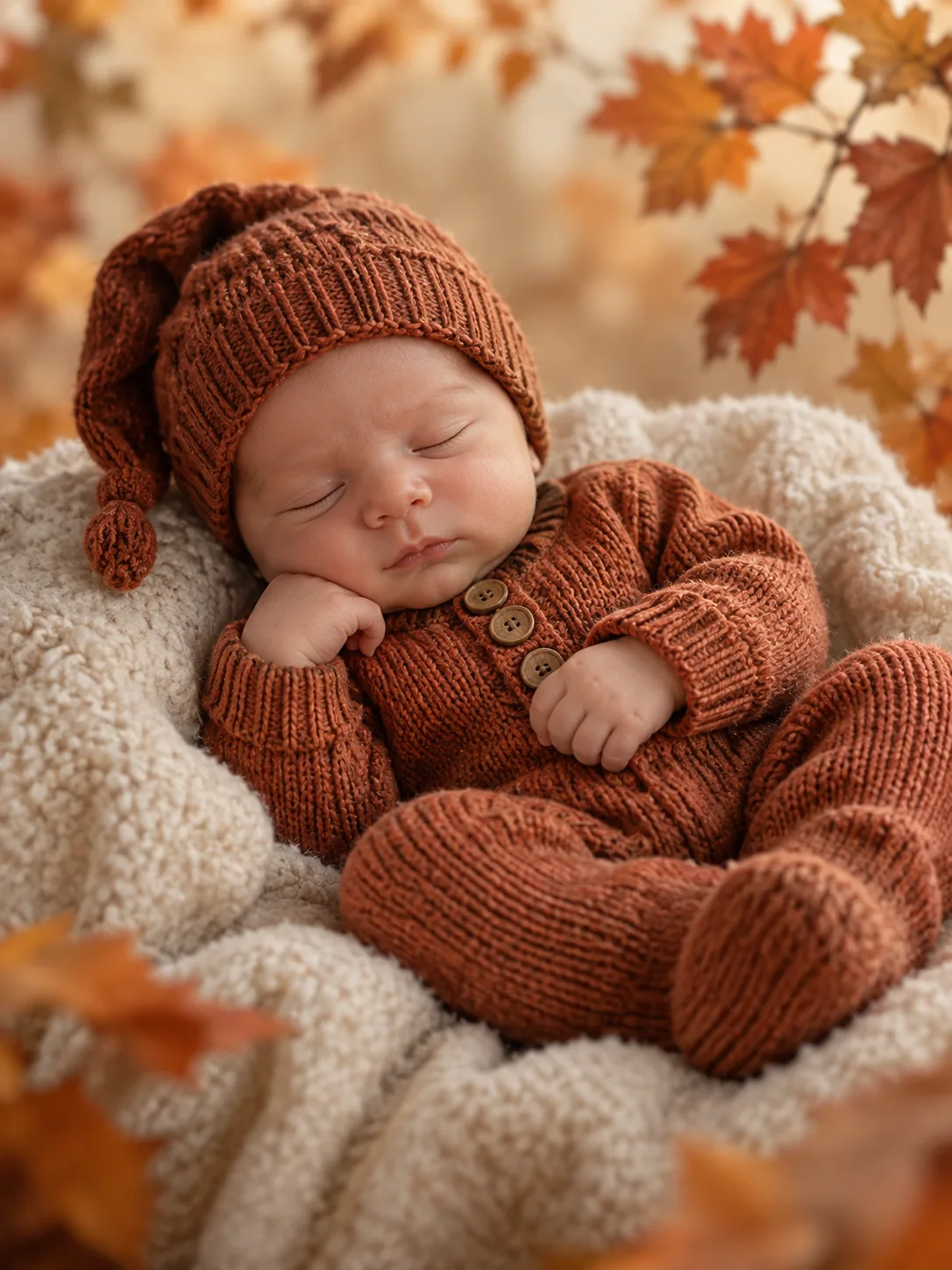
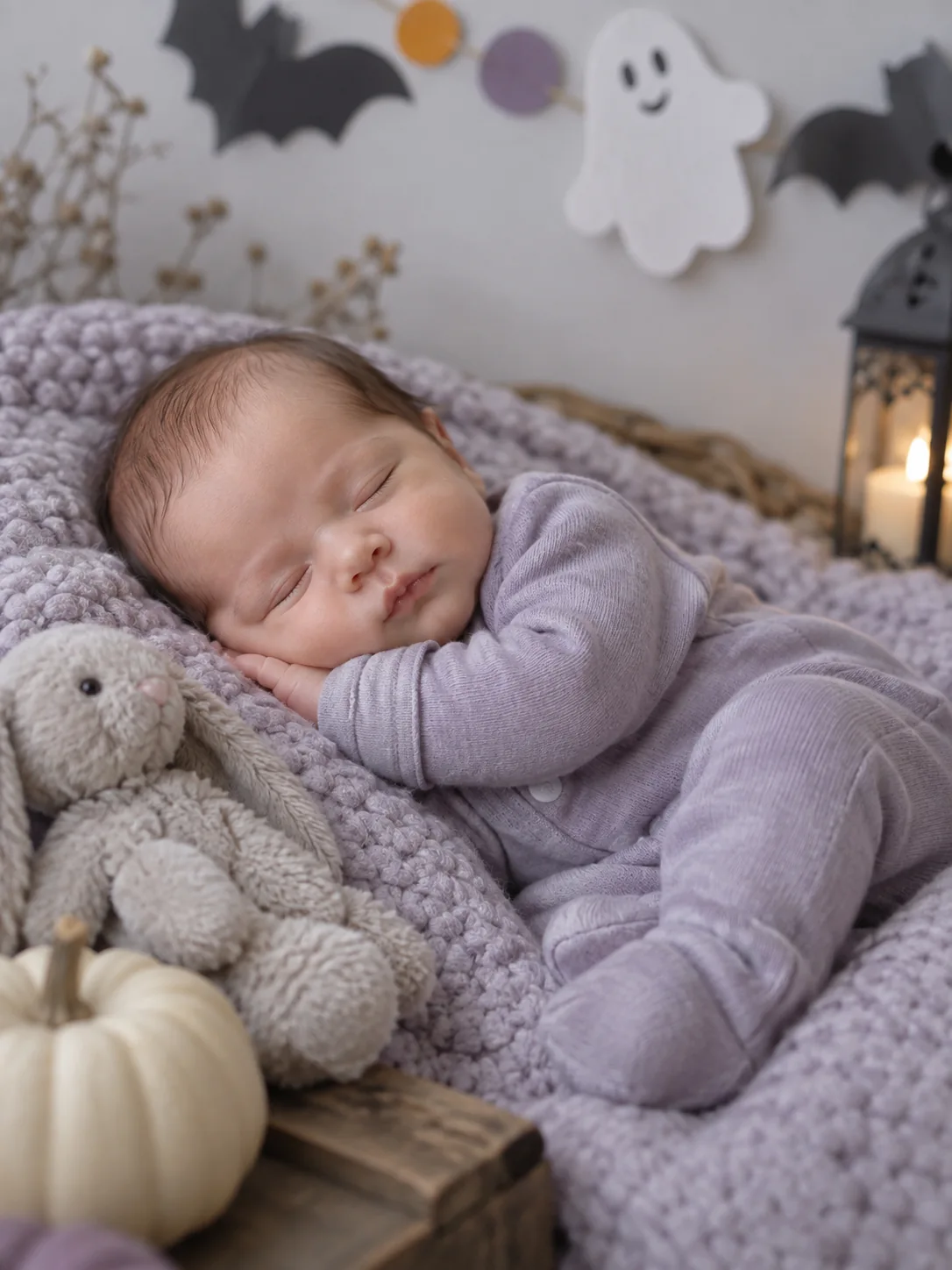
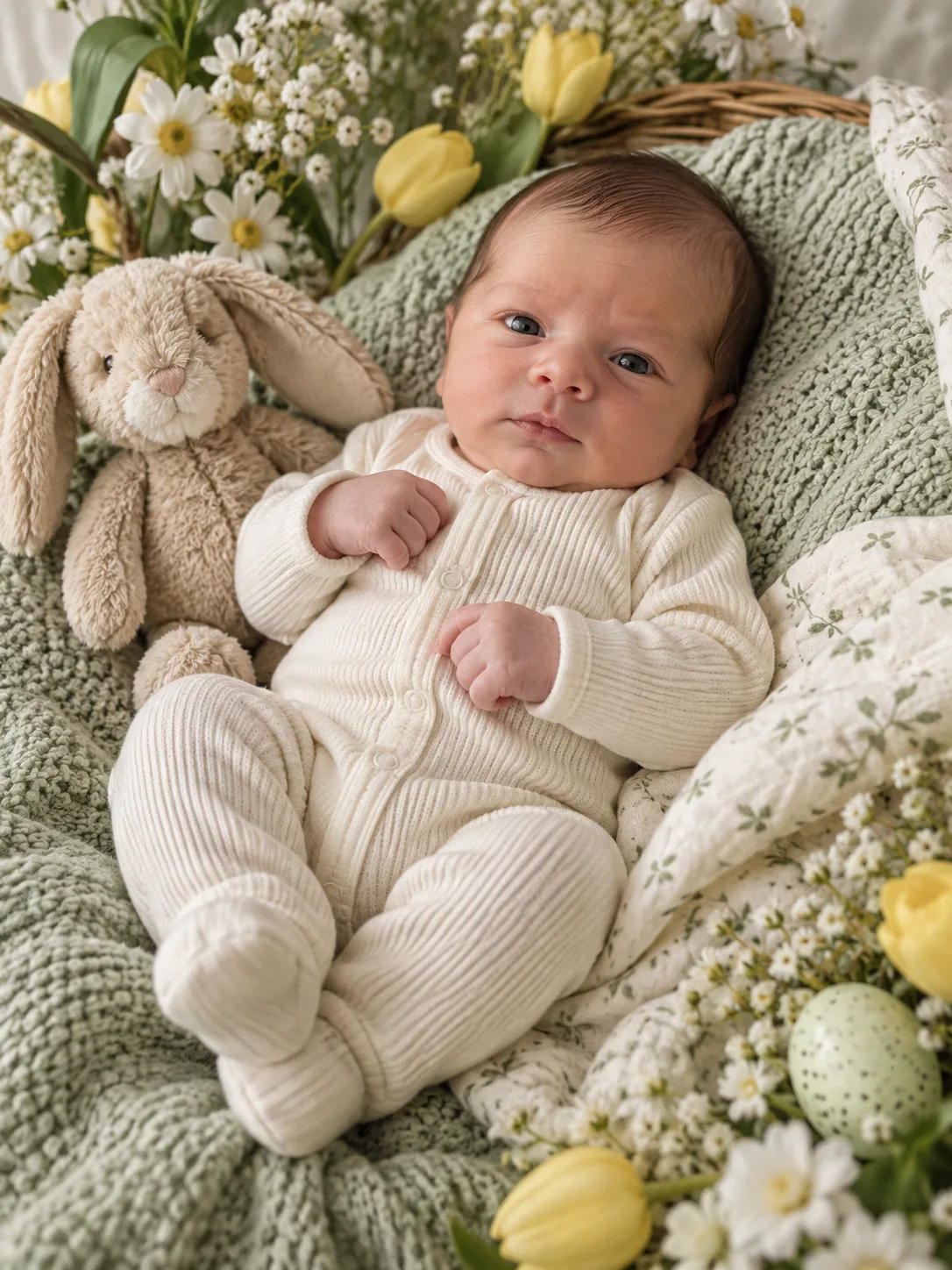
Seasonal newborn themes mark the exact moment your baby arrived—whether that means winter whites for a December baby, cozy autumn knits and pumpkins for October, soft pastel florals for spring Easter cards, or subtle heart accents for Valentine’s Day.
Each seasonal collection below includes palette rules, card-crop advice, and an editable custom scene description you can open directly in the studio. Because seasonal scenes use editable text prompts rather than locked templates, you can soften the colors or dial down holiday props to match your family’s personal taste.
Planning ahead makes seasonal themes even easier: aim to preview holiday portraits 3 to 4 weeks before mailing cards or gifting framed prints to grandparents. Keeping your original high-resolution everyday phone photos organized by month lets you revisit any seasonal theme whenever inspiration strikes.
One of the easiest ways to make a baby album or gallery wall look professionally curated is to repeat a single connecting thread—such as ivory wool, sage green, or warm natural wood—across different chapters rather than repeating the exact same setup three times.
For example, pair a bright White Fleece Portrait for the birth announcement with a Sage Flower Basket print for the nursery and a subtle seasonal portrait for your baby’s first holiday card. Keep your color family consistent across 2 to 3 portraits, and every frame looks cohesive side by side.
Once a theme catches your eye, explore the companion guides below to fine-tune outfits, wraps, props, and framing—or click directly on any of the 12 studio styles above to upload one clear baby photo and generate a free watermarked preview. Unlocking a favorite full-resolution portrait is always optional, one-time (US$1–$99 pay-what-you-want), and subscription-free.
Not sure which theme fits your starting photo best? Start with White Fleece Portrait or Oatmeal Bonnet Wrap for a clean, universally flattering baseline, then test one botanical style such as Sage Flower Basket or Rosewood Bowl to compare how texture and framing change the mood around your baby’s expression.
All 12 studio themes in the first two collections (Minimal & Neutral plus Botanical & Storybook) link straight into the NewbornPhotos generator with that exact preset pre-selected. Seasonal collections (Christmas, Fall, Pumpkin, Halloween, Easter, and Valentine’s) provide editable custom scene prompts you can launch with one click.
Yes. You can switch to the custom scene box in the studio to request specific wrap hues, floral tones, or backdrop colors. Because AI models interpret color descriptions creatively rather than matching exact hex codes, always review the free watermarked preview before choosing to unlock an image.
Never try to force a real newborn into a reference pose. Simply upload a clear, safe everyday photo of your baby lying comfortably on a flat blanket or bed with their face unobstructed—all reference images are digital styling examples, not physical posing instructions.
Choose one clear baby photo, then review a new setting in the portrait tool.