 NewbornPhotos
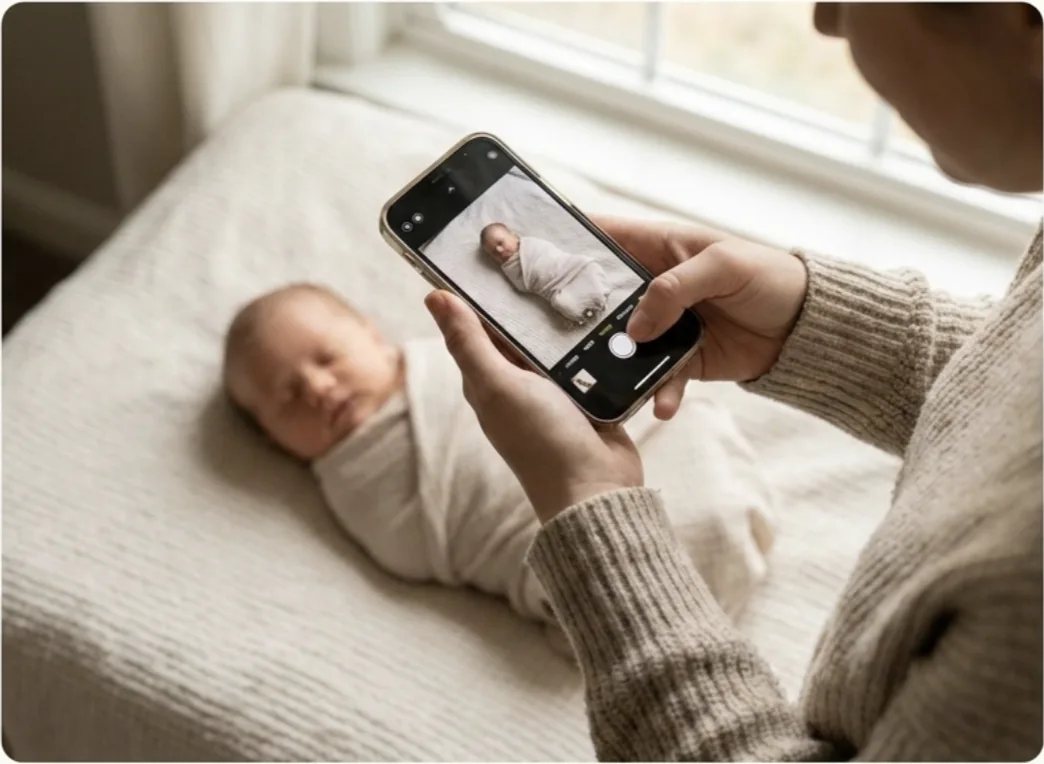
Newborn Photos at Home
For newborn photos at home, a clear phone photo is a useful starting point. Concentrate on an uncluttered frame, a visible face and even light; elaborate props are not needed to choose a different digital setting later.
Explore the collectionA simple setup for newborn photos at home
Look at the frame before changing anything around the baby. Remove distracting objects from your camera view and avoid a bright window directly behind the face. Move your own camera angle to find more even light.
Look for detail, not a dramatic effect
Open the source at full size. You should be able to distinguish the eyes, the edge of the nose and the mouth without a heavy filter. An evenly lit everyday picture is more useful than a dramatic silhouette for an AI portrait.
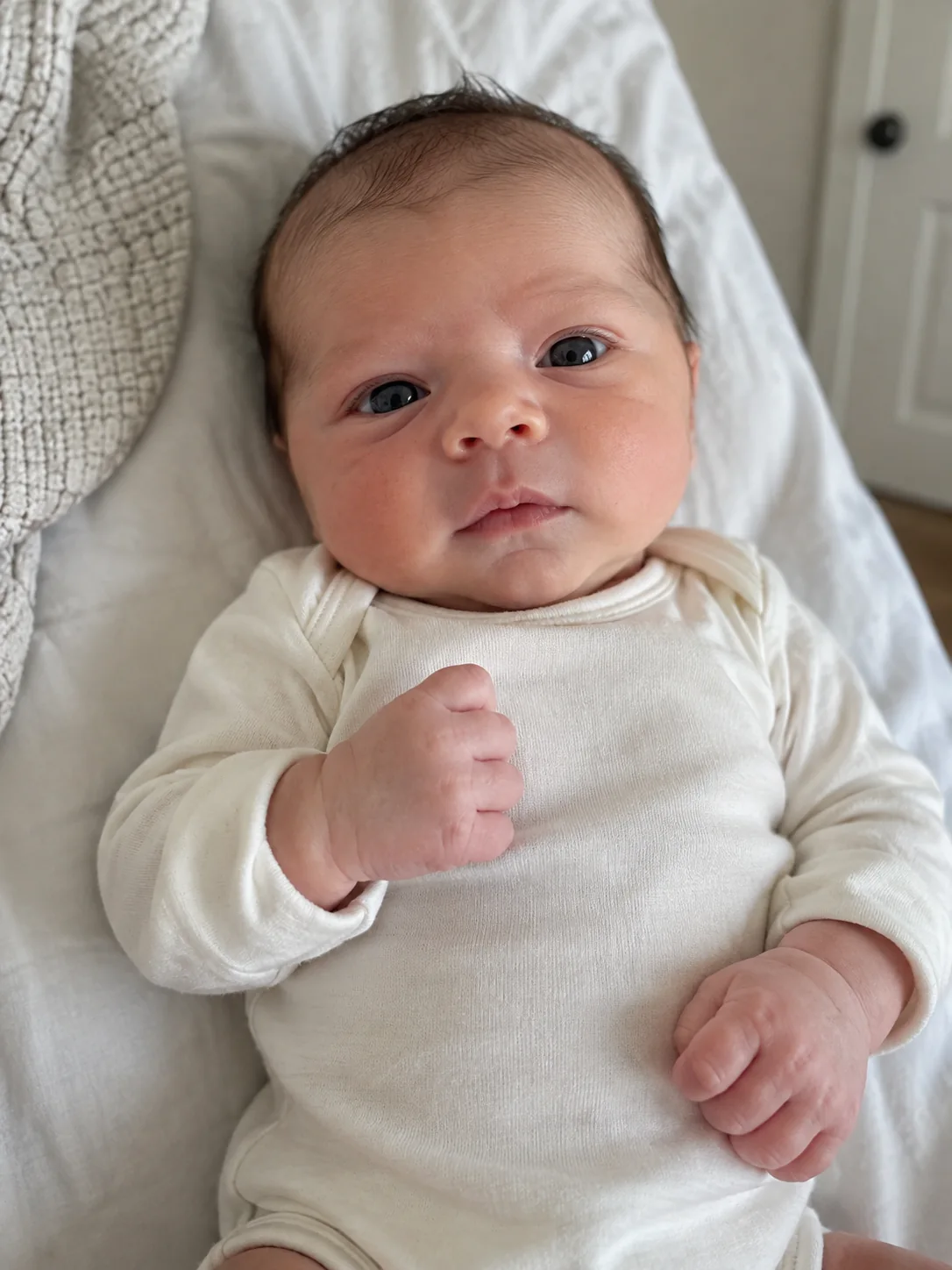
Choose: visible facial features, a single baby, an original file.
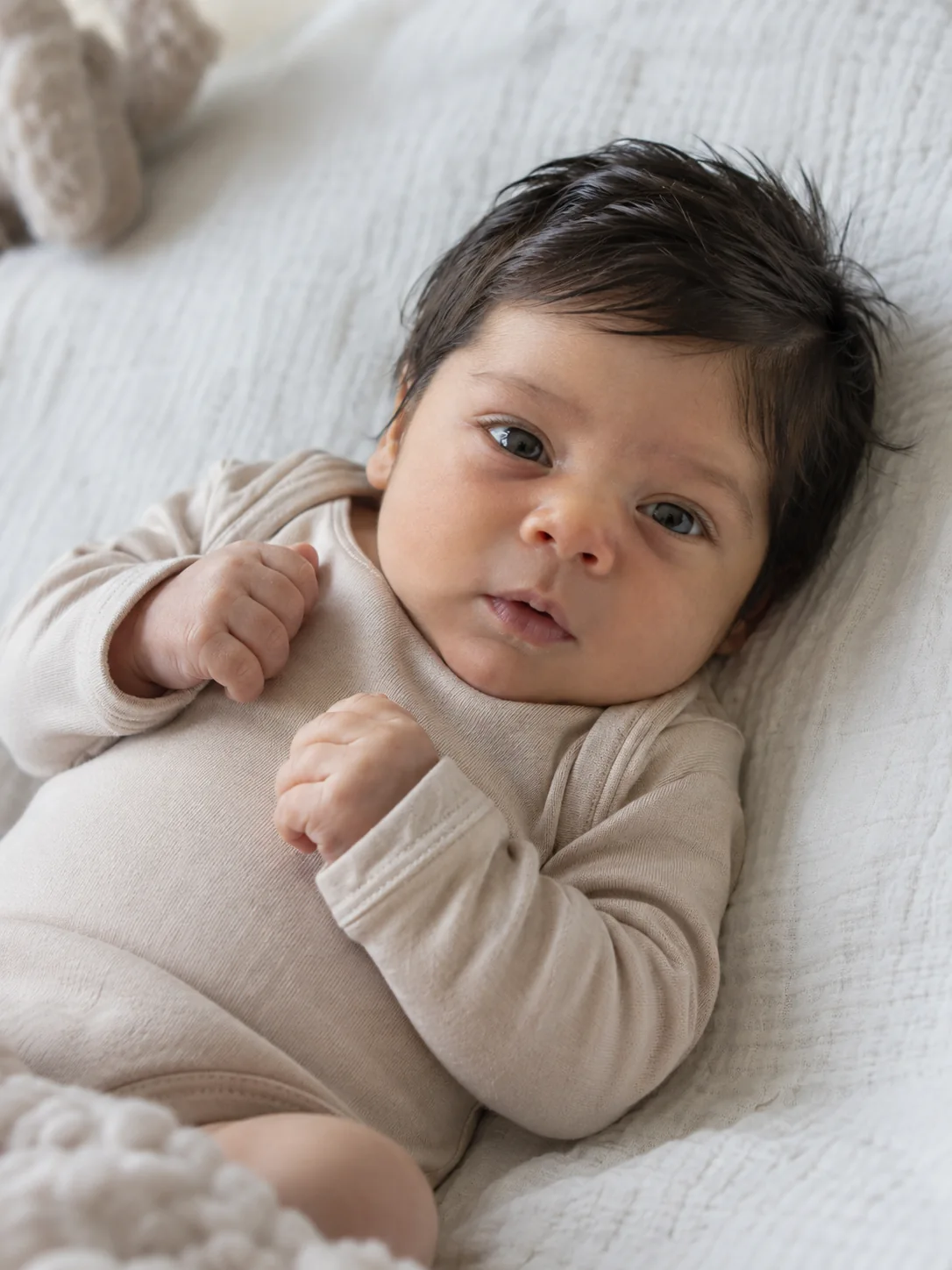
Skip: motion blur, deep facial shadow, screenshots and beauty filters.
Before you press the shutter
Keep the session about a few useful pictures. Clean the lens, focus on the face and check the result before taking more. Photograph an ordinary, comfortable moment; do not recreate the basket or prop arrangements shown in digital inspiration images.
- Lens clean and face in focus.
- No cut-off face or object covering the eyes.
- Original JPG, PNG or WebP saved, up to 10 MB for upload.
- Keep the unedited original alongside your favorite crop.
From a home photo to a new setting
The digital workflow changes the portrait setting after the photo is taken. It does not require a home studio. Use the preview to decide whether the likeness, hands and clothing are worth keeping.
Upload the clearest original photo.
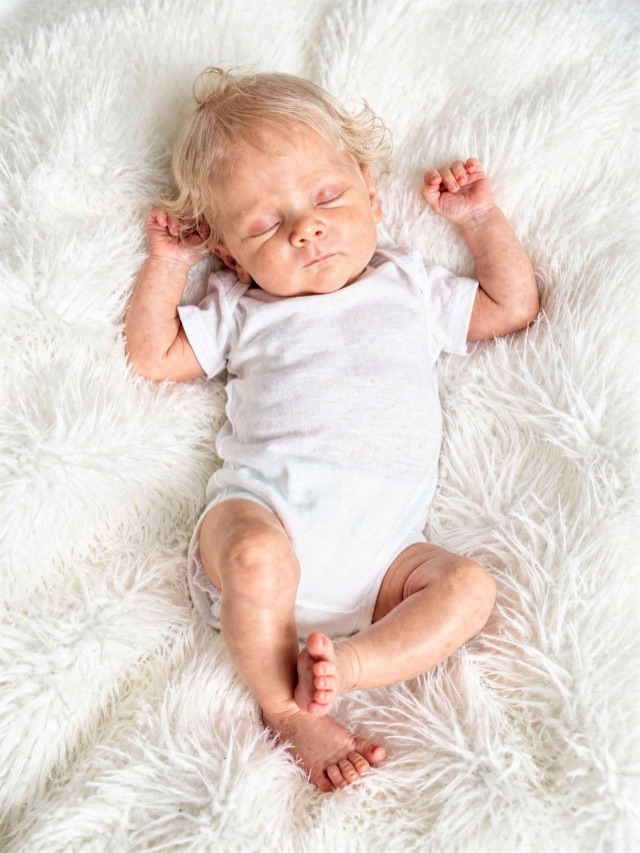
Choose a simple style, such as White Fleece Portrait.
Inspect the preview before choosing any download option.
Plan the next part
Find an idea for the finished image, compare visual compositions, or use the session checklist to organize your files and favorites.
Continue your photo story
Questions about this collection
Is a phone photo enough?
A clear phone original can be uploaded. It must be JPG, PNG or WebP and no larger than 10 MB. Resolution alone cannot fix blur or a hidden face.
What if the face is in shadow?
Choose another existing photo with clearer detail, or adjust your camera position for a new everyday picture. Avoid relying on heavy brightening filters.
Do I need newborn props?
No props are needed for the upload. Baskets and moon scenes here are digital style references, not home posing instructions.
Create a portrait from your photo
Choose one clear baby photo, then review a new setting in the portrait tool.