 NewbornPhotos
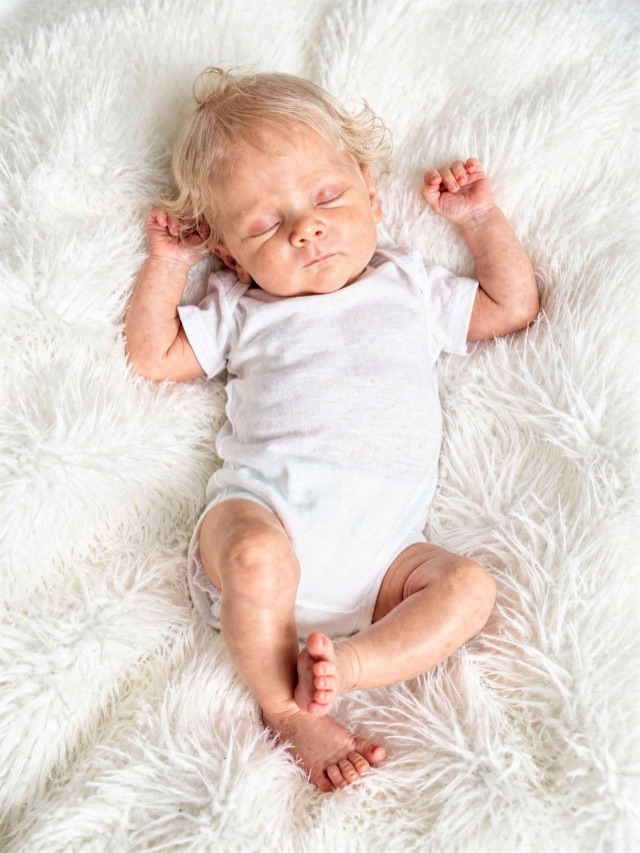
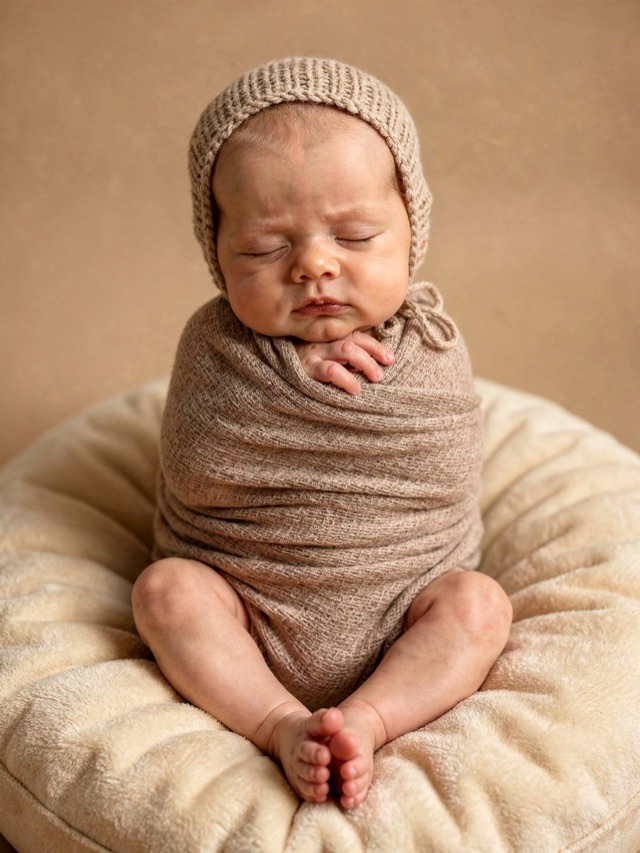
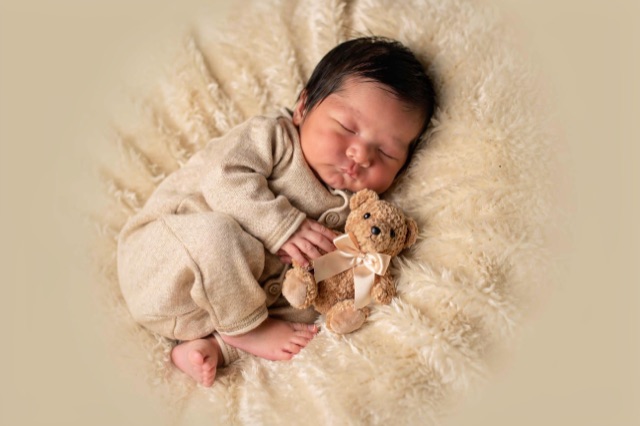
Explore newborn photos through light, color and composition. This gallery brings together studio style references, from bright white fleece to deeper charcoal portraits, so you can compare the finished look before choosing a direction.
Explore the collection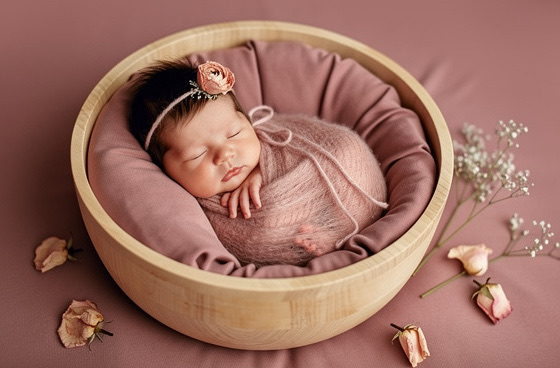
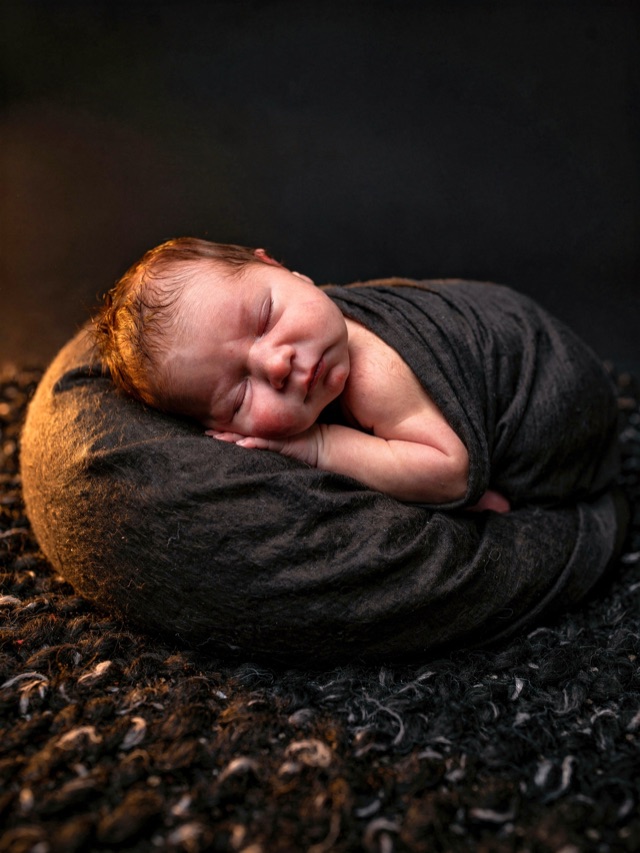
White, oatmeal and ivory teddy scenes use a restrained palette. Compare the face size in each frame: a wider portrait tells more about the setting, while a closer one brings expression and fabric into focus.
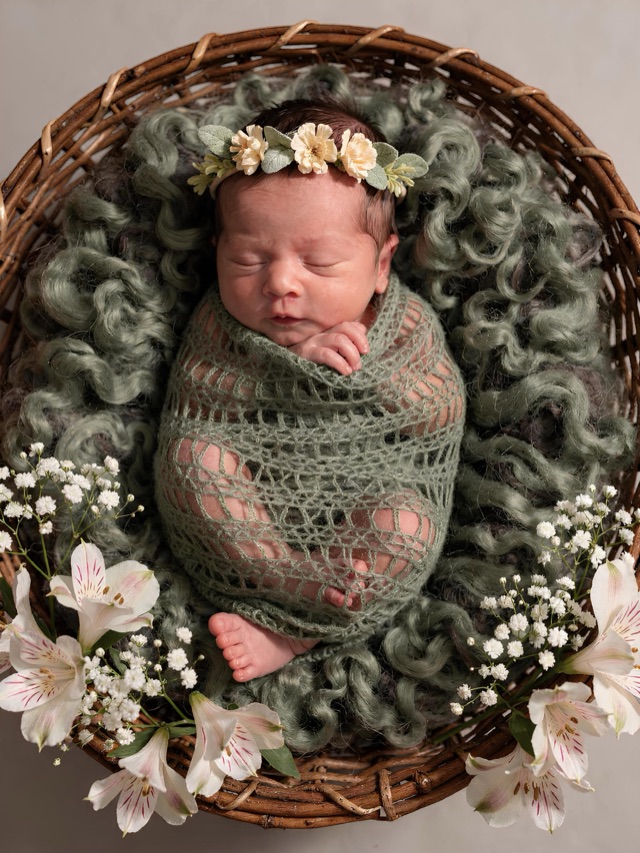
Sage, rose and golden sunflowers bring color through the surroundings. Keeping the clothing and backdrop within one palette makes it easier to see the baby before the decorative details.
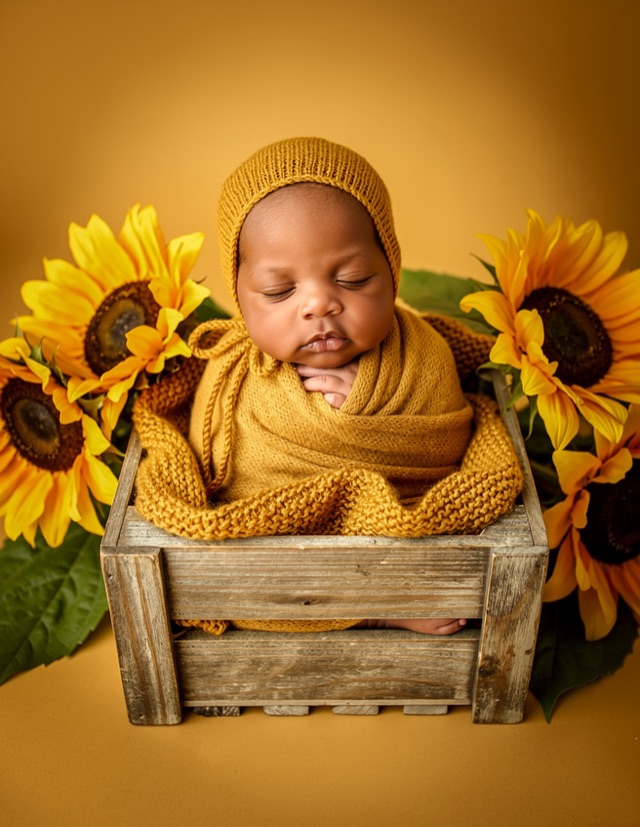
Olive wood and charcoal backgrounds make the light more noticeable. Check these references at thumbnail size: if the face disappears into the shadows, prefer a lighter direction for a small card or phone display.
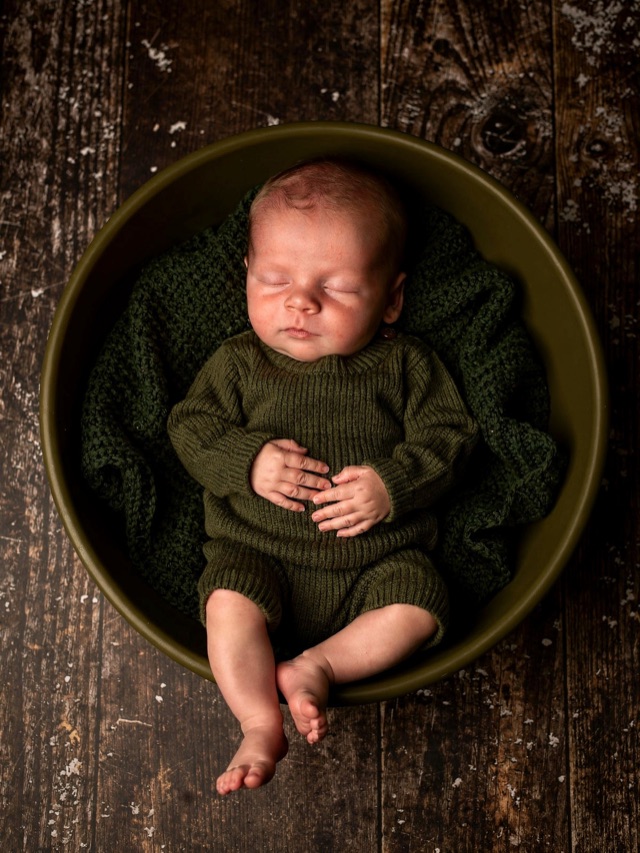
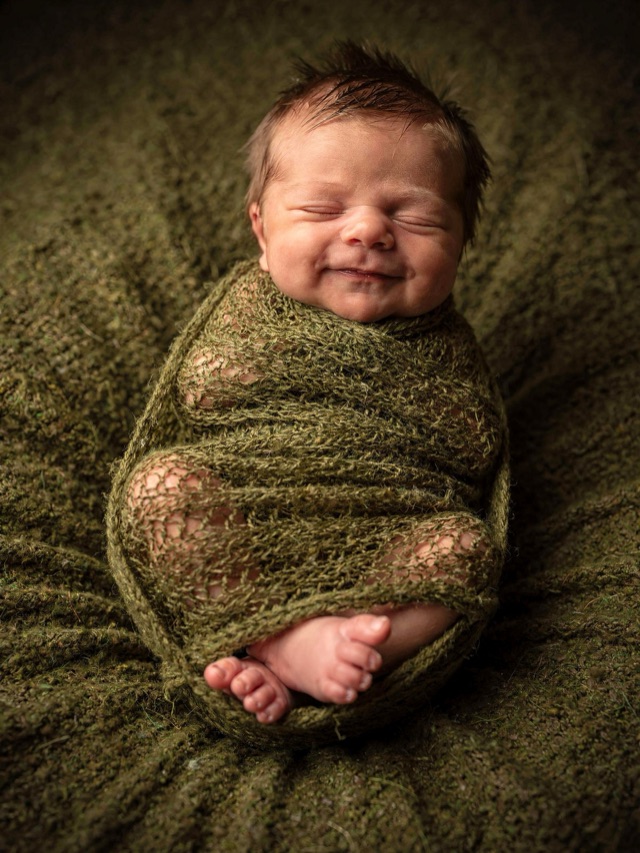
Explore our collection to compare light, texture and framing. Images with a style link open that option in the portrait tool. Review your own result before choosing a download.
Compare the light around the face, the background color and the amount of space around the baby. Pick the combination that suits your album or card.
Pictures with a style action open the generator with that available reference selected.
No. The reference guides the scene. The uploaded identity and generated details will differ.
Choose one clear baby photo, then review a new setting in the portrait tool.