 NewbornPhotos
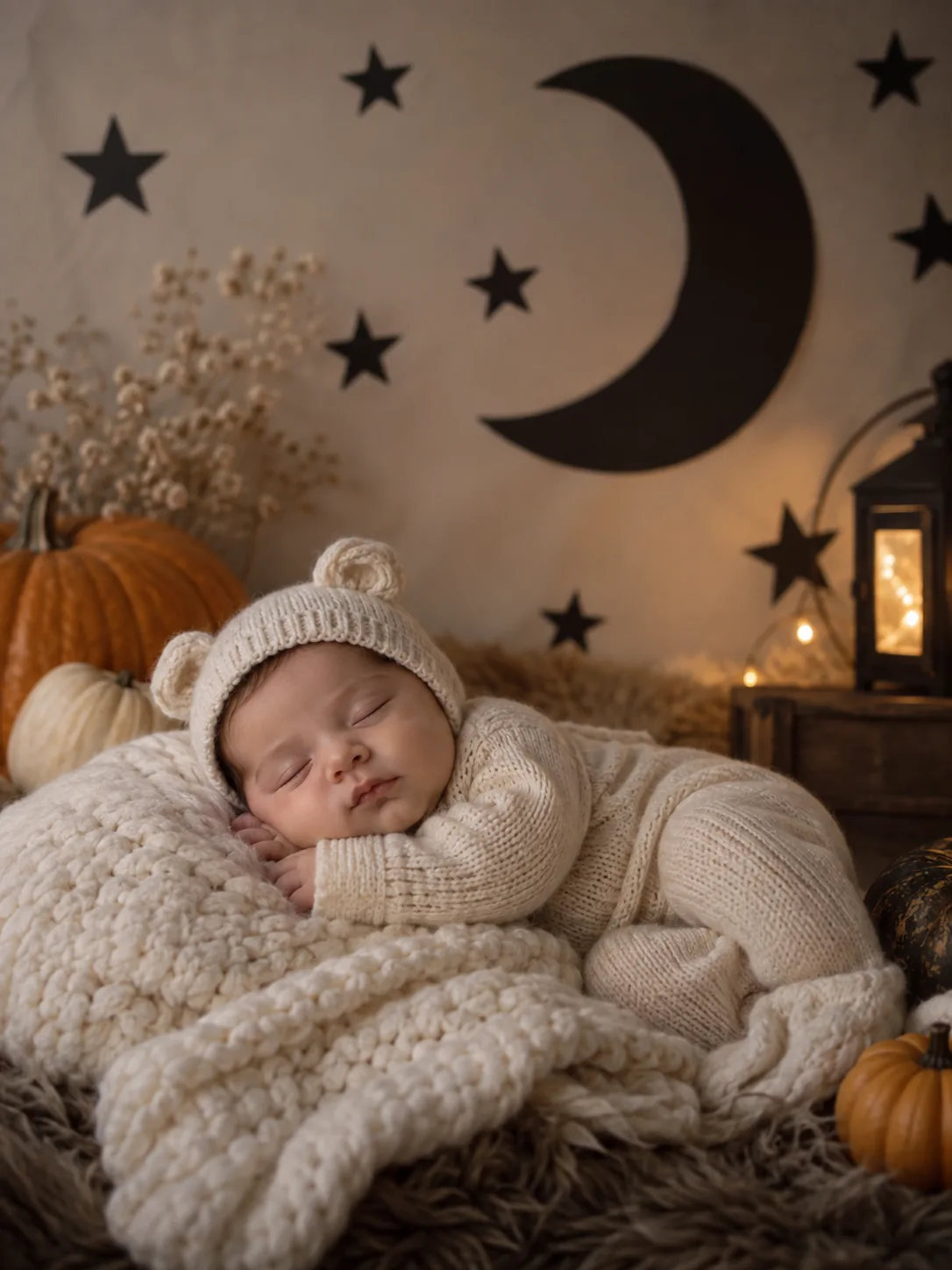
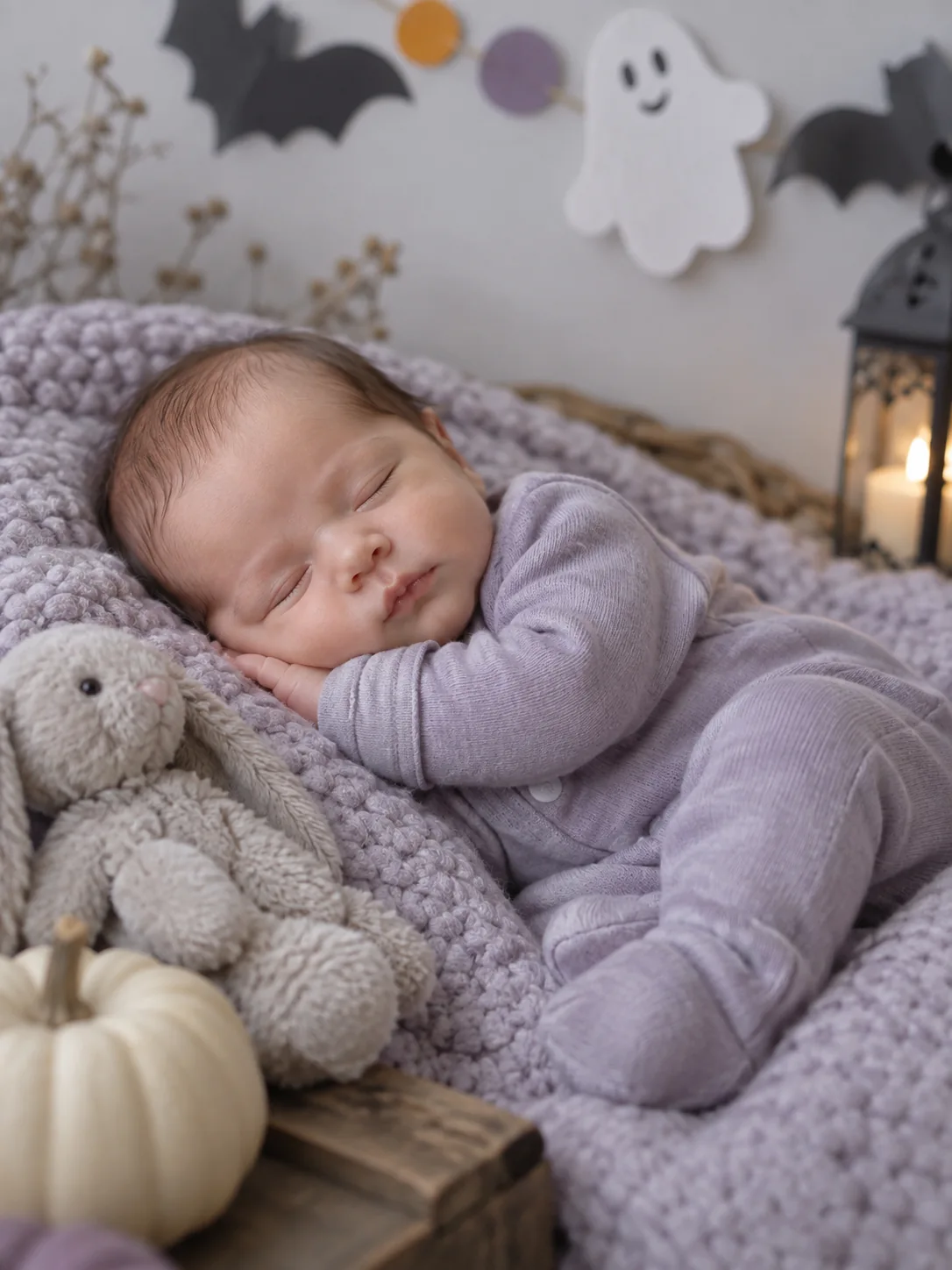
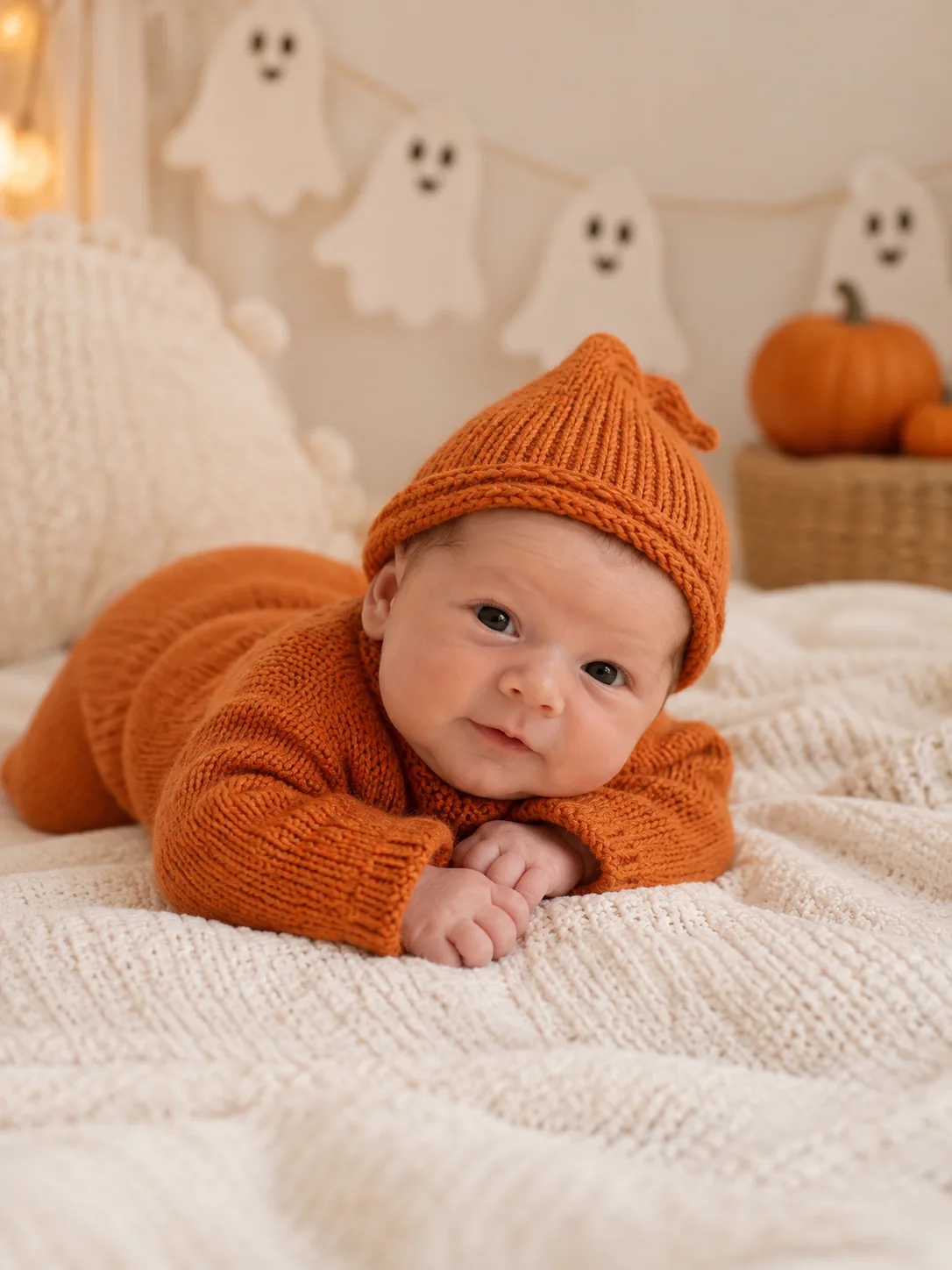
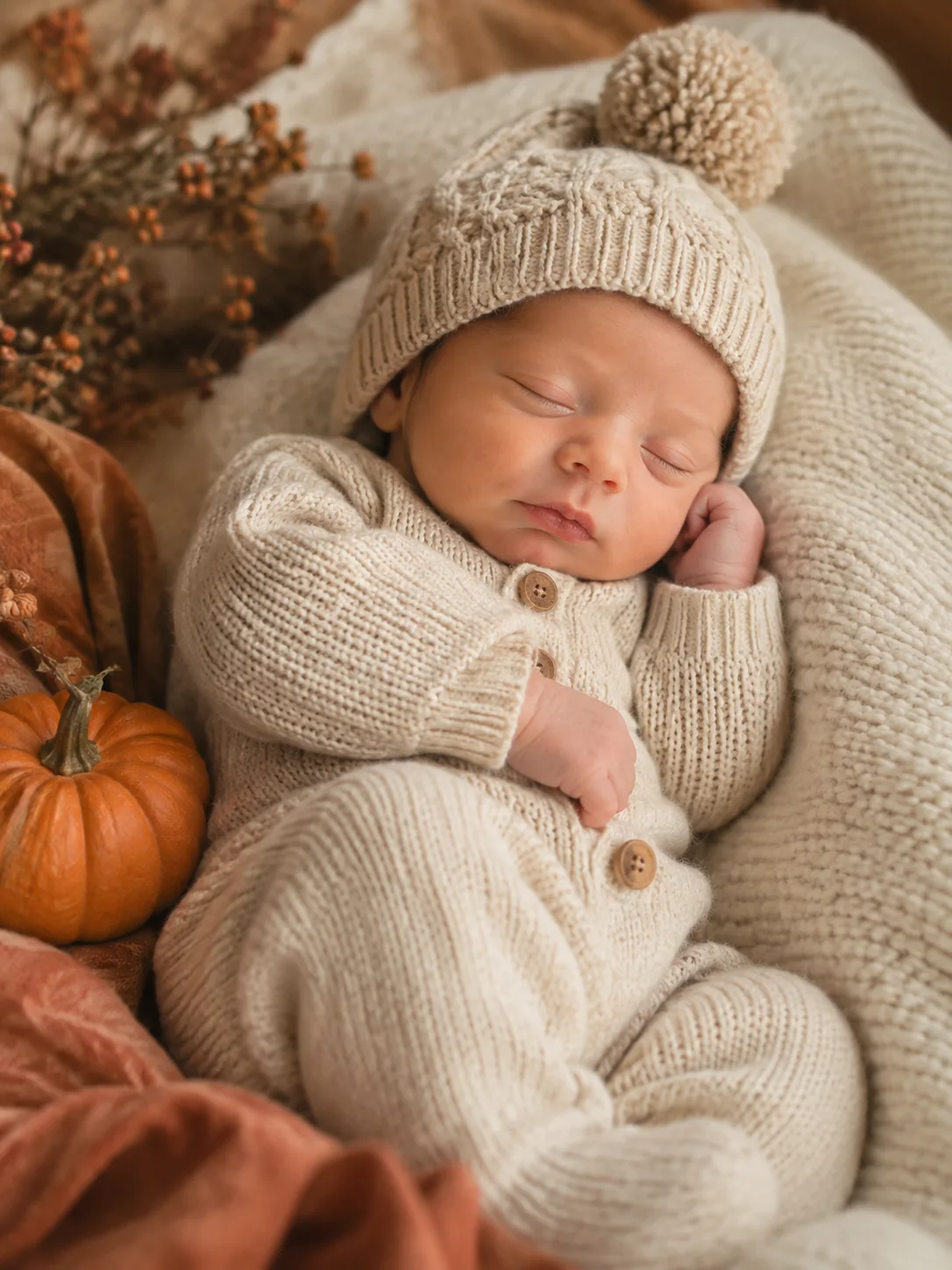
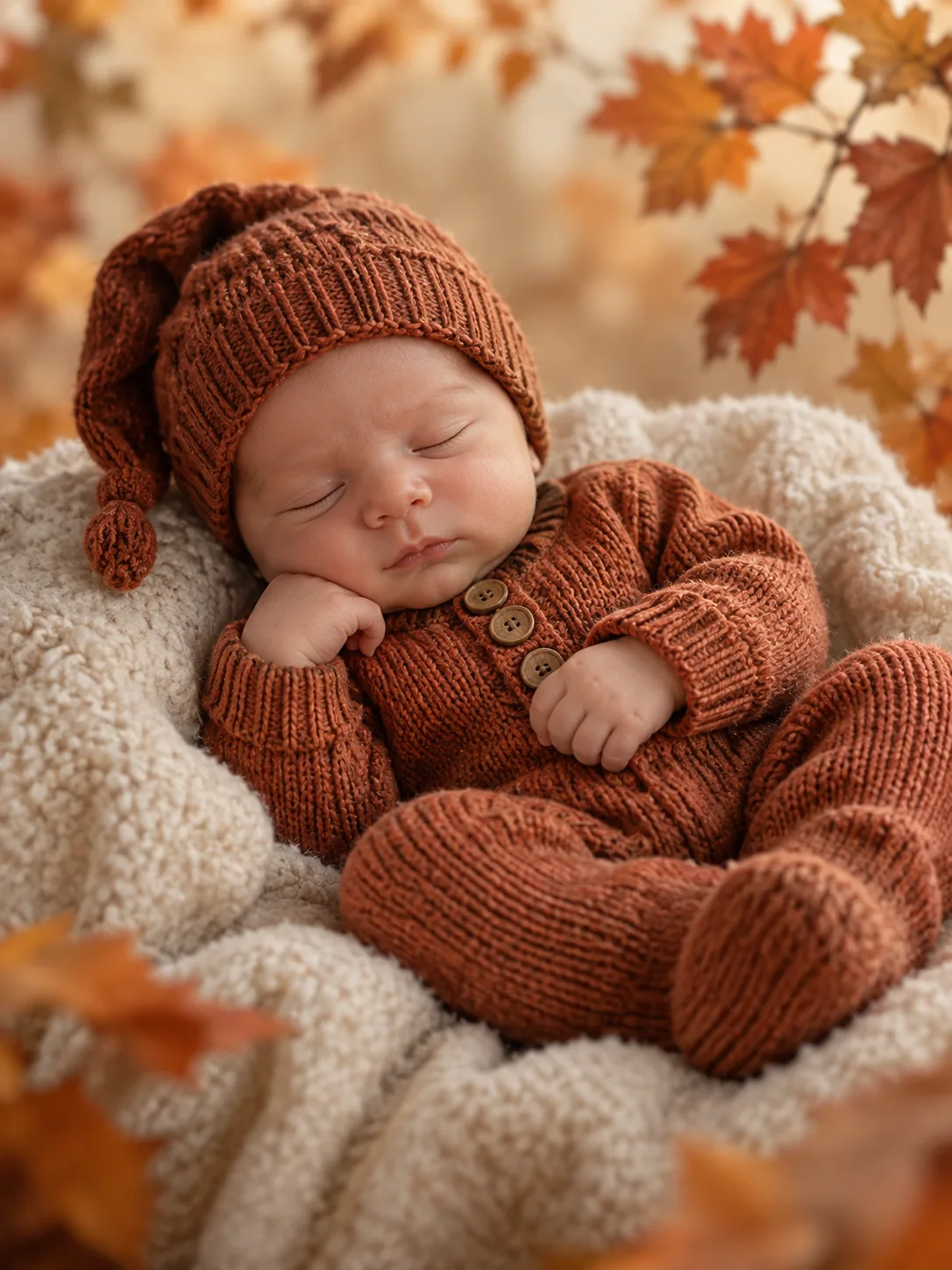
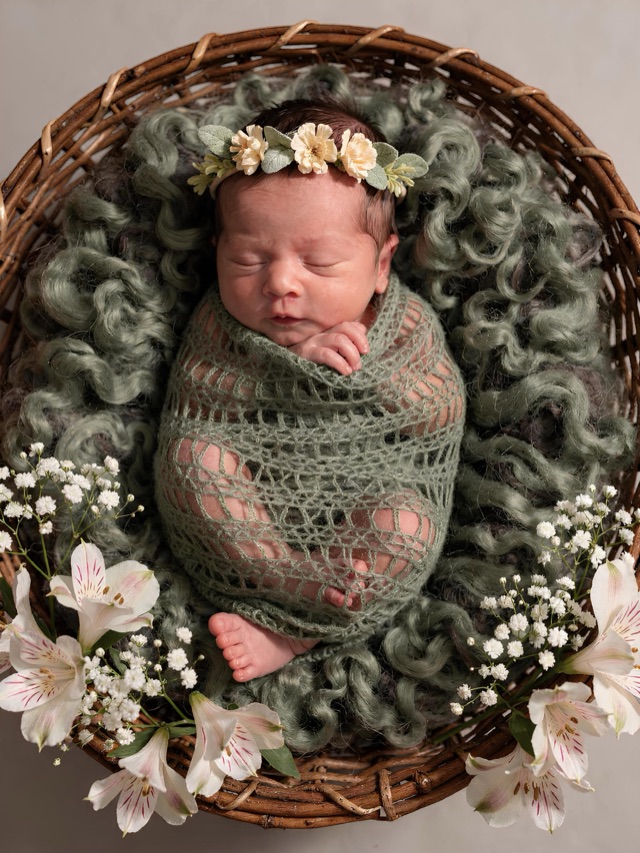
Newborn Halloween photos can be gentle: paper stars, friendly ghost shapes and soft orange or lavender knitwear. Choose a playful hint of the holiday without making the background louder than the baby.
Explore the collectionThe moon-and-stars reference is the quietest. Lavender with small ghost shapes adds a gentle Halloween cue. Orange knit with cream decorations makes the holiday more obvious while keeping a soft background.
For a keepsake portrait, one recognizable shape can be enough. A more decorated image may work as a seasonal album opener. These are digital scene ideas, not instructions for masks, costumes or objects around a newborn.
Lavender, warm ivory and muted orange can suggest Halloween while keeping facial features visible. Avoid a crop where the face merges into a very dark backdrop.
This editable description asks for paper decorations in the background while keeping the baby’s face clear. Adjust the colors and details to suit your photo, then review the preview.
Preserve the baby’s identity, apparent age, expression and natural position. Create a gentle Halloween portrait with soft lavender knit clothing and a warm cream backdrop. Add a few small friendly paper ghost and moon shapes in the distant background only. Bright gentle light, face unobstructed, no masks, no scary elements, no text or extra people.
No. Lavender, cream and muted orange can suggest the holiday with a softer look.
No. These are digital styling references, not real-world setup instructions.
Yes. Open it in the generator and change the background or colors before generating.
Choose one clear baby photo, then review a new setting in the portrait tool.