 NewbornPhotos
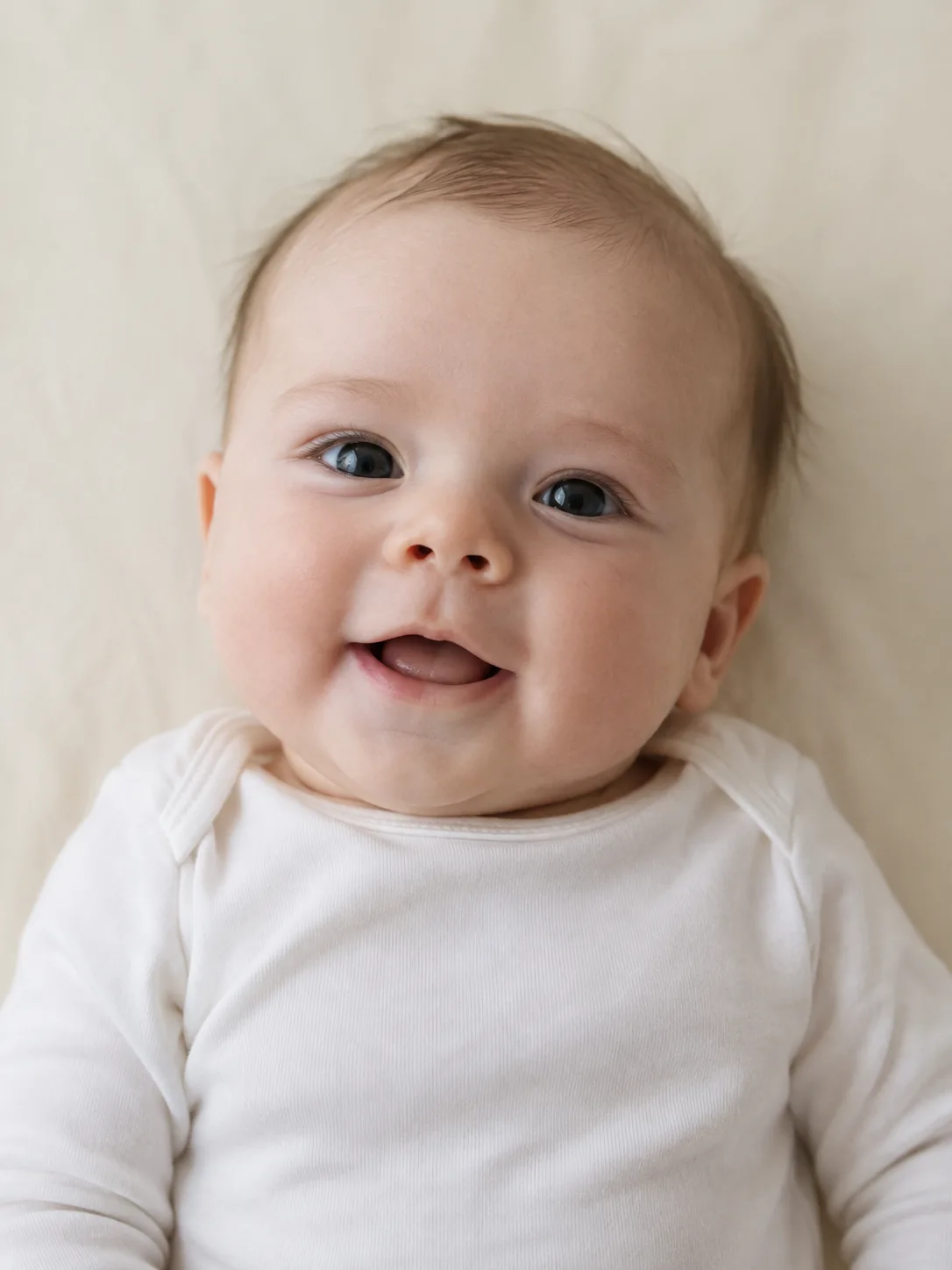
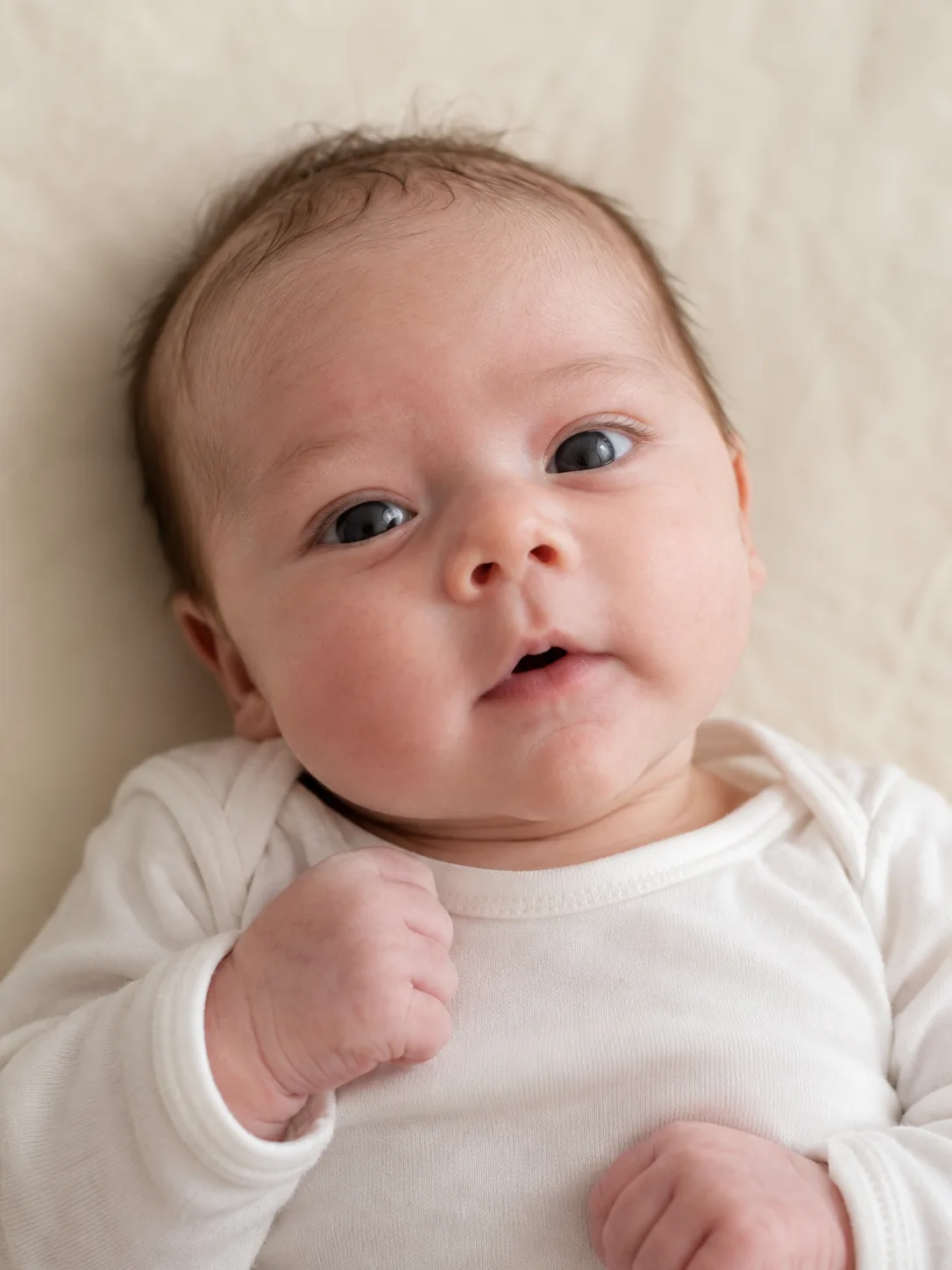
Face: a clear portrait with an uncluttered background.
Context: step back in your framing to include familiar surroundings.
Detail: notice clothing texture, hands or a favorite object.
Baby Photoshoot at Home
A baby photoshoot at home can start with an ordinary moment and a short picture list. Choose a clear face photo, a wider view of the surroundings and one detail you want to remember; a theme can come afterward.
Explore the collection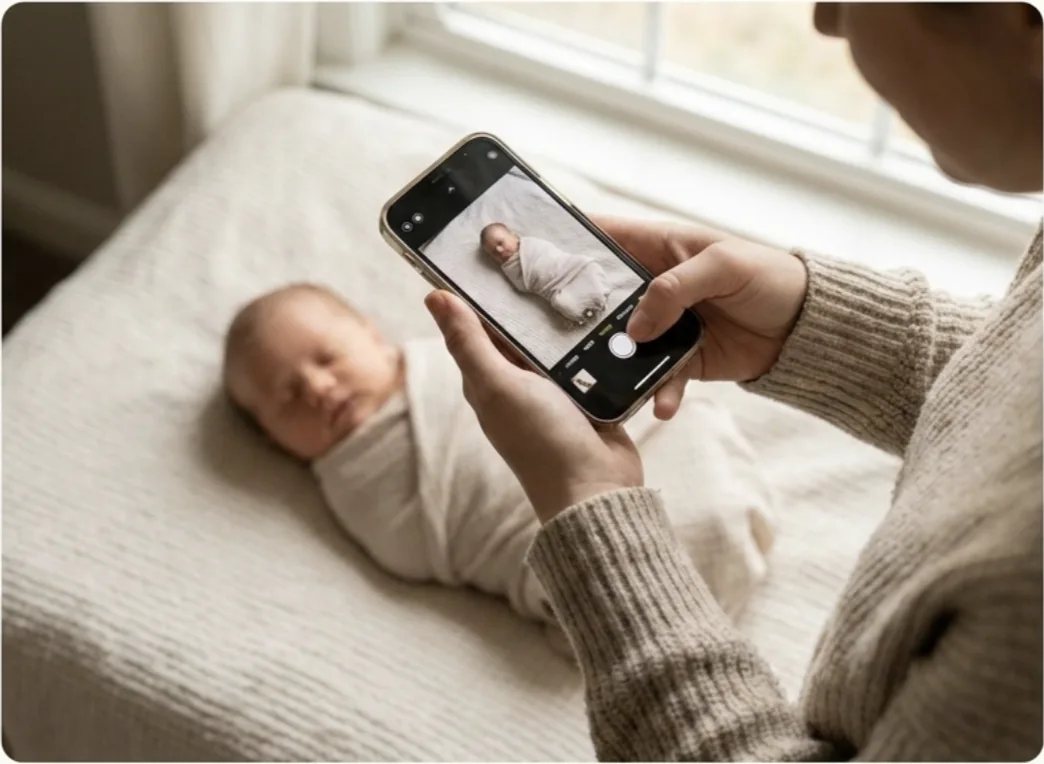
Make a small home photo series
Use the same familiar area for a few different crops. Change your framing to add variety while letting the baby’s natural moment remain the subject. This is a camera plan, not a list of activities or positions a baby must perform.
Choose light that leaves the features readable
Check your camera view for a bright window behind the face or patches of strong sunlight. Adjust where you photograph from so the features remain visible. A heavy filter is not a substitute for a clear original.
Look for even facial detail before taking more pictures.
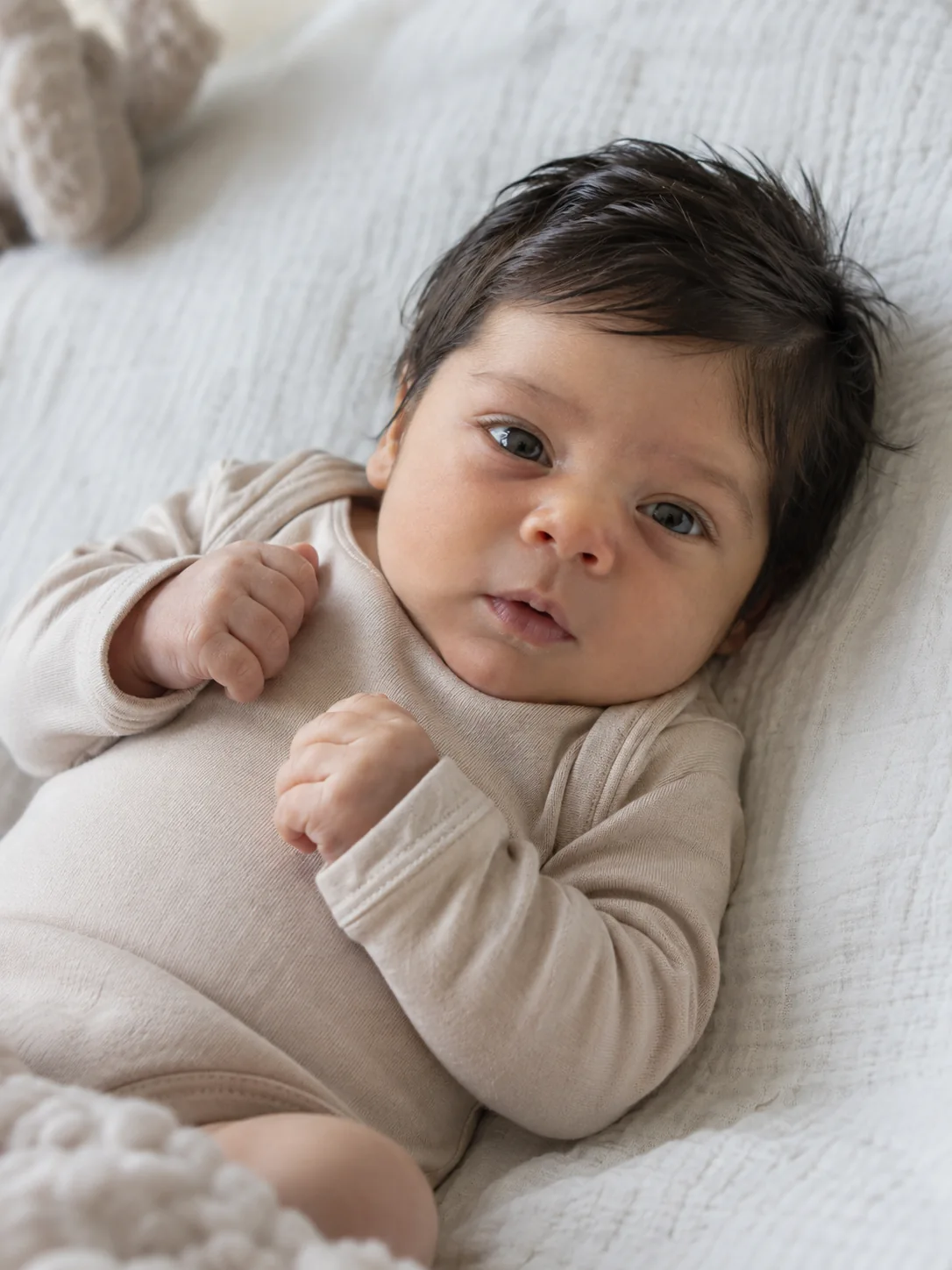
Open a saved image at full size to check motion blur.
Keep the source file useful
Save the original before cropping or editing. If you later want an AI portrait, select a single-baby picture with a visible face and a file under 10 MB in JPG, PNG or WebP format.
- Original saved separately from edits.
- Face visible without heavy smoothing.
- Date and source recorded in the album folder.
Add a creative version after the real photograph
The original remembers the room and the moment. A digital portrait can explore another visual setting. Keep both, and use the milestone guide if you want the pictures to become a longer series.
Continue your photo story
Questions about this collection
Do I need to decorate a room?
No. A clear, uncluttered camera view is enough for a simple home picture.
Can I use the same background each month?
Yes. Repeated color or surroundings can connect the album while the real moments change.
What photo should I upload afterward?
Choose one baby with a clear face in an original JPG, PNG or WebP no larger than 10 MB.
Create a portrait from your photo
Choose one clear baby photo, then review a new setting in the portrait tool.