 NewbornPhotos
Direct answer: Using an AI baby photo generator can be safe when you choose a service with private account storage, readable privacy & refund policies, transparent pre-login pricing, and single-photo workflows—and when you avoid uploading sensitive details like hospital wristbands or unclothed photos. Below is the exact 6-point privacy and safety checklist every parent should run before uploading a baby photo anywhere online.
Parents are right to be cautious with their child’s face. Between vague mobile app terms, surprise weekly subscriptions, and sites that quietly publish user generations in a "community gallery," trusting an AI photo tool requires looking past flashy before-and-after ads and reading how the service actually behaves.
6-Point Privacy & Safety Checklist for Parents
| What to Check | Green Flag (Safe Standard) | Red Flag (Walk Away) |
|---|---|---|
| 1. Storage & Visibility | Portraits stored privately inside your signed-in account only | Default public "community showcase" or shareable public URLs without opt-in |
| 2. Photo Minimization | Single-photo workflow (1 clear photo needed) | Demanding 15–25 photos of your child before showing pricing or terms |
| 3. Legal Policies Before Upload | Public, readable Privacy Policy, Terms, and Acceptable Use | Broken legal links, anonymous operator, or no support email address |
| 4. Pricing Transparency | Clear prices visible before sign-in ( preview free, one-time unlock) | Mandatory credit card upfront or buried weekly auto-renewing subscriptions |
| 5. Content & Safety Guardrails | Clear rules requiring authorized uploads and clothed/appropriate baby photos | Zero moderation or unsafe posing prompts |
| 6. Honest Synthetic Labeling | Clearly states outputs are synthetic studio stylings, not real shoot records | Encouraging deceptive use or claiming guaranteed real-world likeness |
4 Practical Habits to Protect Your Baby’s Photo Before Uploading
Even on a trustworthy platform, good personal hygiene keeps your child’s privacy locked down:
- Crop out identifying background text: Before uploading, check the frame for hospital ID bracelets, crib name plaques, mail on a table, or window views showing street signs.
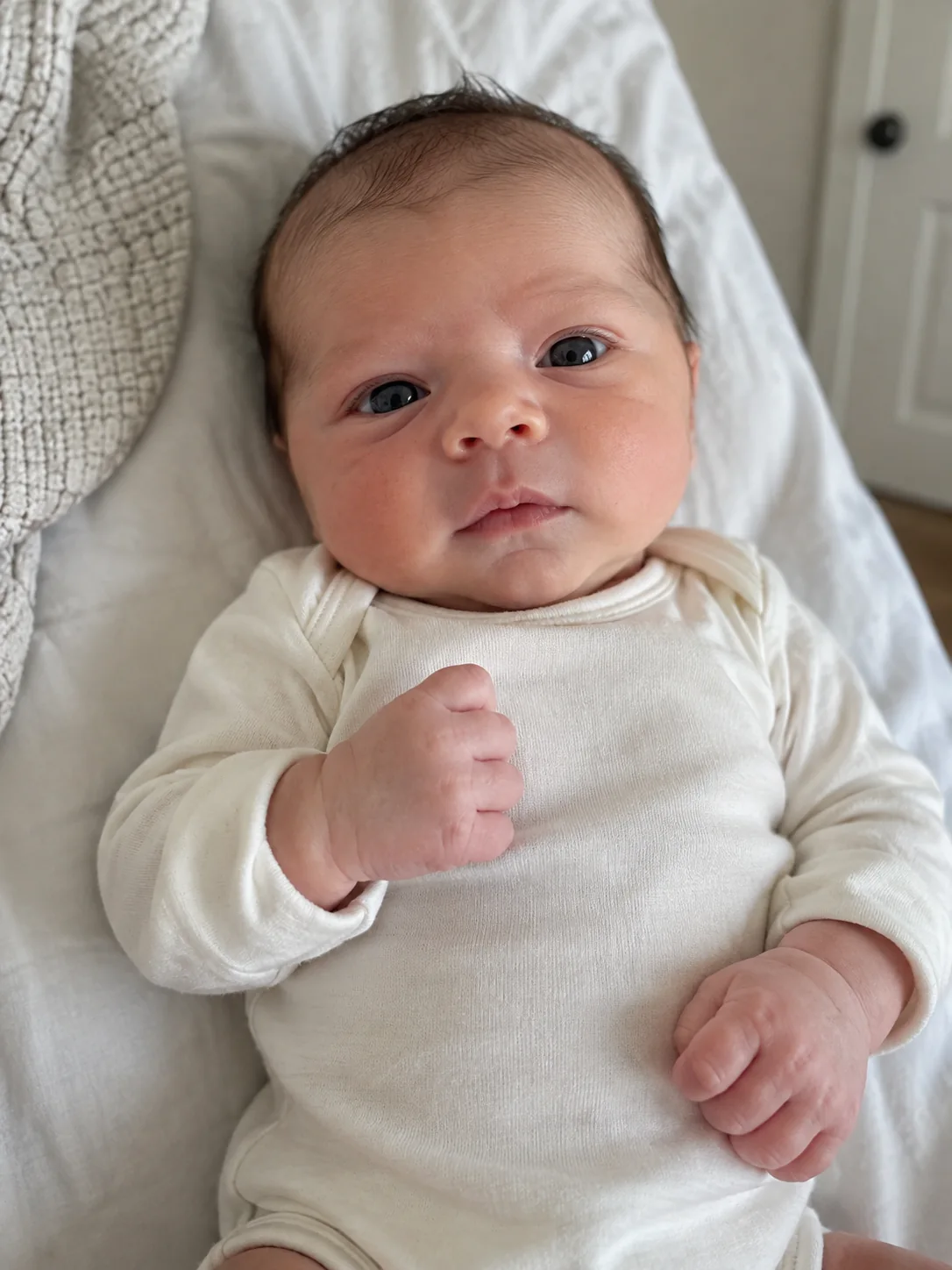
- Use a simple clothed photo: A baby wearing a plain white or neutral bodysuit gives the cleanest facial reference while keeping the source image completely modest and safe.
- Never upload someone else’s child: Even if you mean it as a thoughtful gift for a friend’s baby shower, always let the baby’s parent or legal guardian upload the photo themselves.
- Keep the original photo on your own device: Treat any AI-styled portrait as a bonus keepsake alongside your real, unedited camera-roll memories—never delete your authentic everyday photos.
How NewbornPhotos Handles Baby Photos & Privacy
We built NewbornPhotos specifically for parents who want studio-style keepsakes without the dark patterns common in generic AI avatar apps:
- One photo, not twenty: Upload a single clear JPG, PNG, or WebP (up to 10 MB) rather than handing over an entire album of your child.
- Private account library: Generated portraits are saved privately in My Portraits inside your signed-in account so you can inspect watermarked previews and decide calmly whether to unlock a favorite.
- Pricing visible before sign-in: Every visitor can read our full Pricing page before creating an account—free watermarked previews, then an optional one-time pay-what-you-want payment (US$1–$99, default US$10) per unlocked portrait, with zero subscriptions.
- Direct human support & clear policies: Our Privacy Policy, Refund Policy, and Acceptable Use Policy are publicly accessible at any time, backed by direct email support at
support@newbornphotos.net.
Common Privacy Myths vs. Real Risks Parents Should Watch
When parents search whether AI baby photo apps are safe, online discussions often confuse sci-fi fears with the mundane, very real privacy traps that actually affect families every day:
- Hidden auto-renewing subscriptions (most common consumer trap): Many mobile AI photo apps advertise a “free trial” or “$1 pack” inside an app store, then quietly bill $9.99–$14.99 every single week. Always verify transparent web pricing before entering payment details, and confirm there is no recurring billing attached to a single portrait unlock.
- Public-by-default “inspiration feeds”: Several generic image generators display recent user generations on their homepage or community tab unless you pay for a “Pro / Private Mode” tier. Never upload a child’s face to a platform where privacy is locked behind an upsell.
- Metadata & background leaks in the source photo: Even on a private platform, parents often share their downloaded portraits with extended family or on social media. Cropping out hospital bracelets, birth-weight crib cards, and home mail before you upload ensures those private details never accidentally propagate into shared family albums.
- Misleading “100% real likeness guaranteed” claims: Honest AI portrait services tell you upfront that AI outputs are synthetic visual stylings and let you inspect a free watermarked preview first—so you stay completely in control of what gets saved, purchased, or shared.
Physical Safety Note: Digital Styling Is Not a Posing Manual
One overlooked safety topic has nothing to do with data—it is physical baby safety. Classic newborn portrait aesthetics (like baskets, wooden bowls, crescent moons, or cocoon swaddles) look effortless on screen, but in real life they require professional studio spotting and composite photography.
Never place a newborn unsupervised in a basket, elevated bowl, or tight prop to mimic a digital reference image. For real-life photography, keep your baby flat and fully supported on a firm surface, and browse our newborn photoshoot props guide to see how digital scene styling replaces risky physical setups altogether.
Frequently Asked Questions
Is it safe to upload my baby’s photo to an AI portrait generator?
It is safest when you verify private account-scoped storage, a clear privacy policy, transparent non-subscription billing, and crop out any identifying details (like hospital bracelets) before uploading.
Are my baby’s generated portraits shown publicly on NewbornPhotos?
No. Your generated portraits are saved privately in your account’s My Portraits section and are not posted to a public community gallery.
Who is allowed to upload a baby photo?
Only a parent, legal guardian, or person with explicit legal authorization from the parent or guardian may upload a baby’s photo, per our Acceptable Use Policy.
Why do some AI baby photo apps ask for 10–20 photos while others only need 1?
Older model-training apps require 10–20 images to train a custom face model and usually charge upfront. Single-photo reference tools like NewbornPhotos need only one clear photo and let you preview before paying.
Should I tell family members when a portrait is AI-styled?
Yes. Being open that a framed portrait or holiday card was AI-styled from a favorite home photo keeps expectations honest while still celebrating your baby’s real face and expression.
Create a portrait from your photo
Choose one clear baby photo, then review a new setting in the portrait tool.